Text & writing
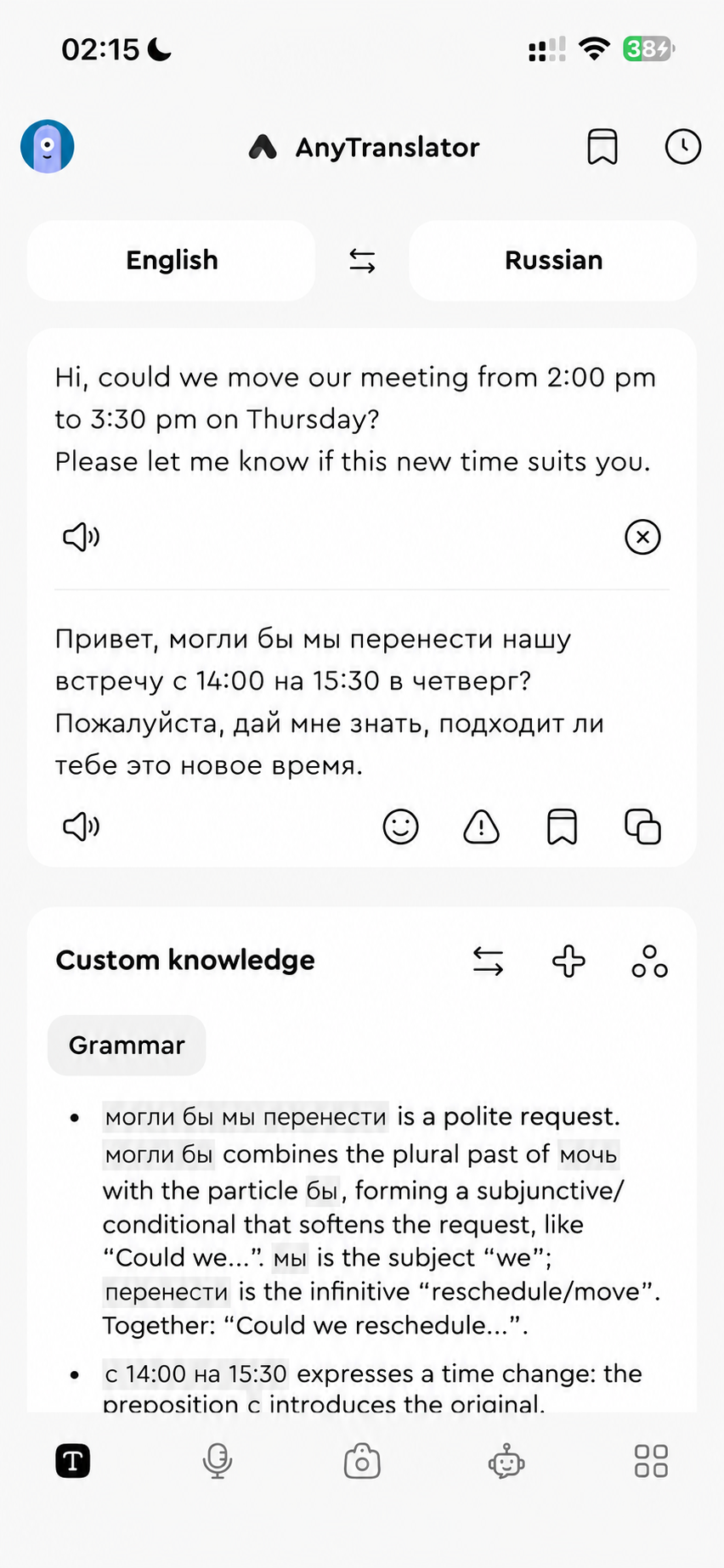
Make work requests polite, chats friendly and long messages concise. Listen to AI pronunciation and save useful phrases. Let Helper explain Russian and German grammar, or ask the AI assistant to proofread.
- 01Seven tones, from formal letters to everyday chats.
- 02Helper explains Russian and German endings; ask the AI assistant to revise your source sentence.
- 03Listen to natural AI speech, save phrases and bring them into an AI assistant draft.
iOS keyboard
Translate chats and work messages in their original text field, with a tone that fits. Type or use iOS dictation, or translate clipboard text and insert it straight into your draft.
- 01Translate and replace the draft in the same text field.
- 02Type or use iOS dictation, then choose your language and tone.
- 03Translate clipboard text, copy the result or insert it at the cursor.
Helper & custom knowledge
Break down cases, endings and sentence patterns in source text and translations. Choose grammar, common mistakes or word-by-word analysis, then save instructions for your field, goals and preferred level of detail.
- 01Grammar, common mistakes and word-by-word analysis show how sentences fit together.
- 02Go further with synonyms, examples, implied meaning and suggested replies.
- 03Save instructions for your field, goals and explanation depth, then reuse them.
Start with a real task.
Match the tone to your reader: Polite for work requests, Letter for email and Friendly for familiar chats. Ask Helper about difficult sentences, then give the AI assistant context to compare replies.
Automatic tone preserves a whole passage already in the target language. For changes to cases, endings or grammar, use Helper to understand why, then explicitly ask the AI assistant to proofread.