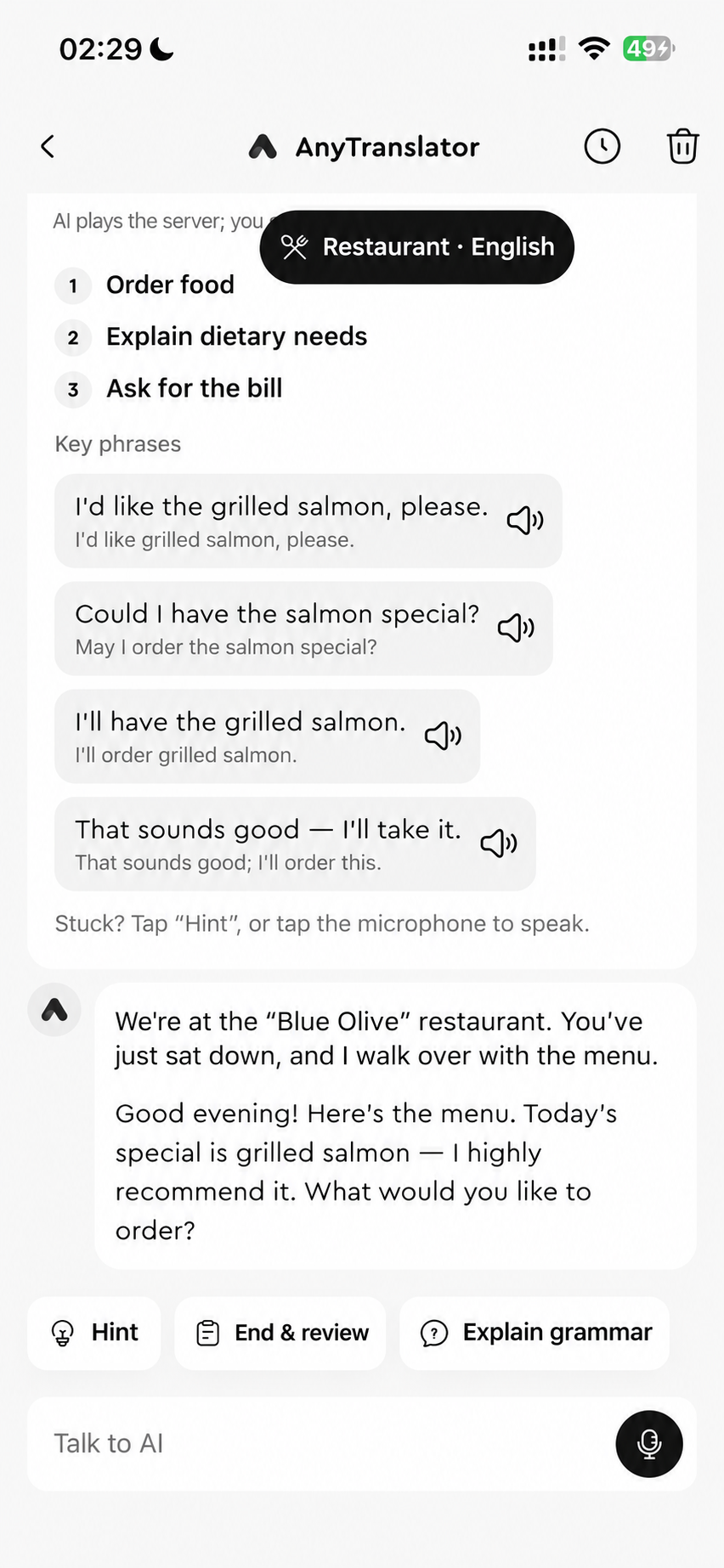
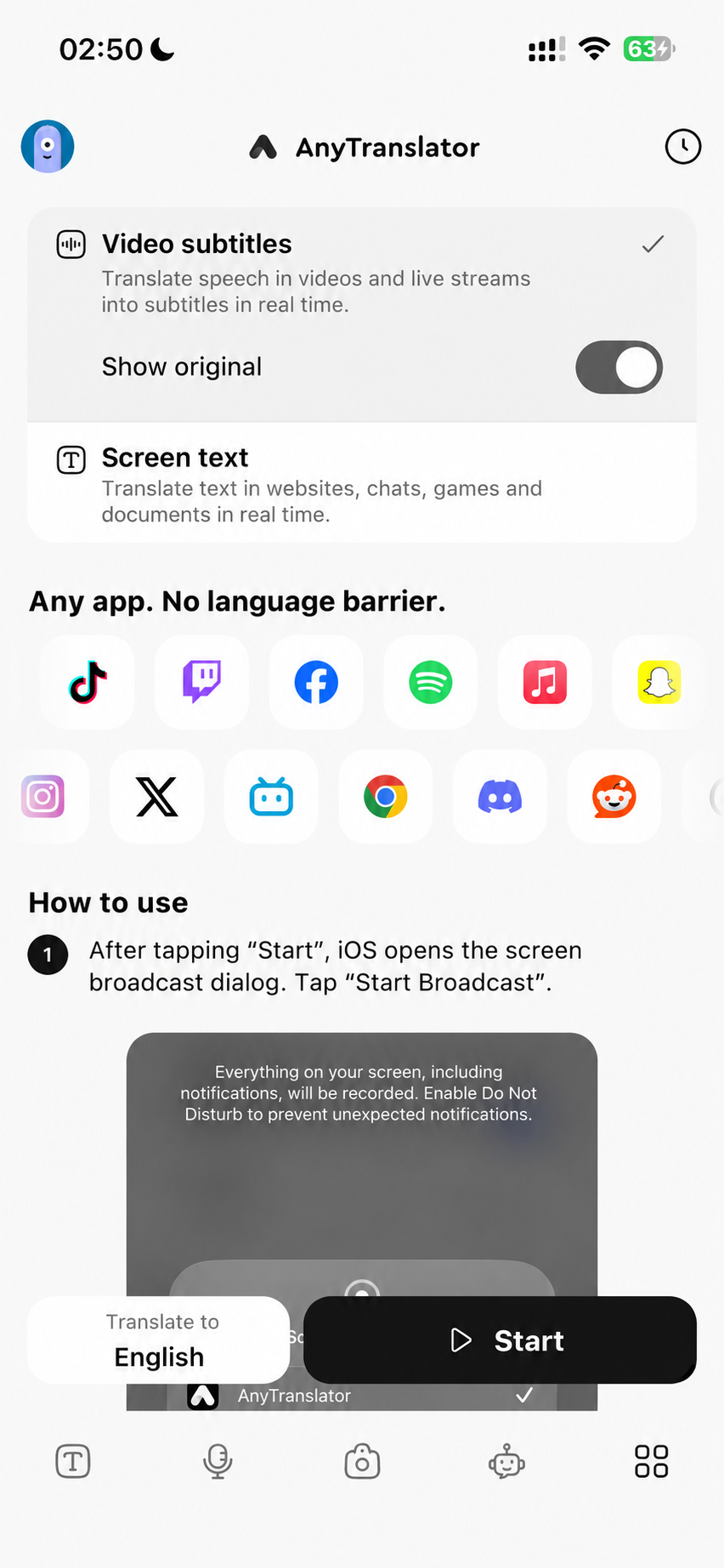
Cross-App translation
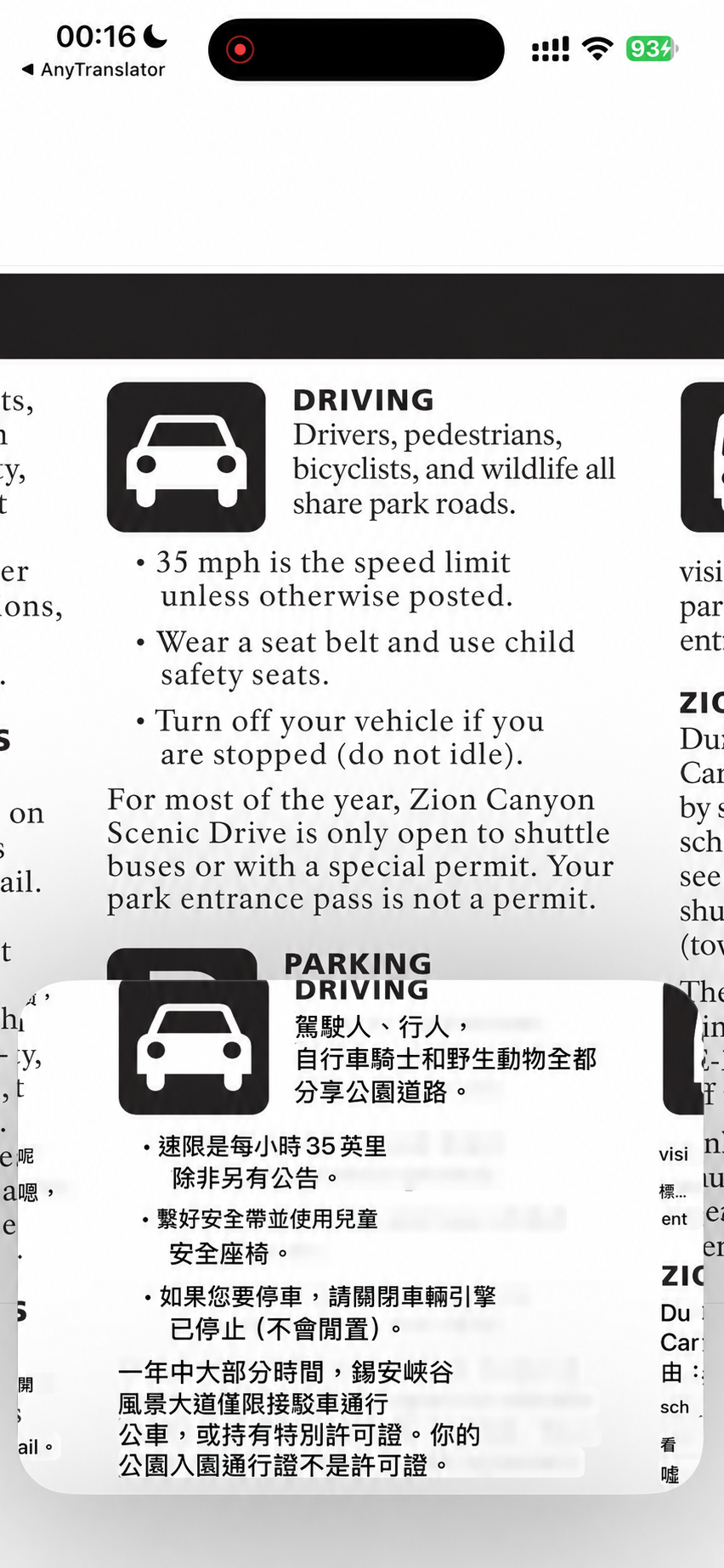
Choose the mode that fits: translate audio from a foreign video or read text on a webpage. Picture in Picture keeps the content and translation together, with fewer interruptions while watching, reading or gaming.
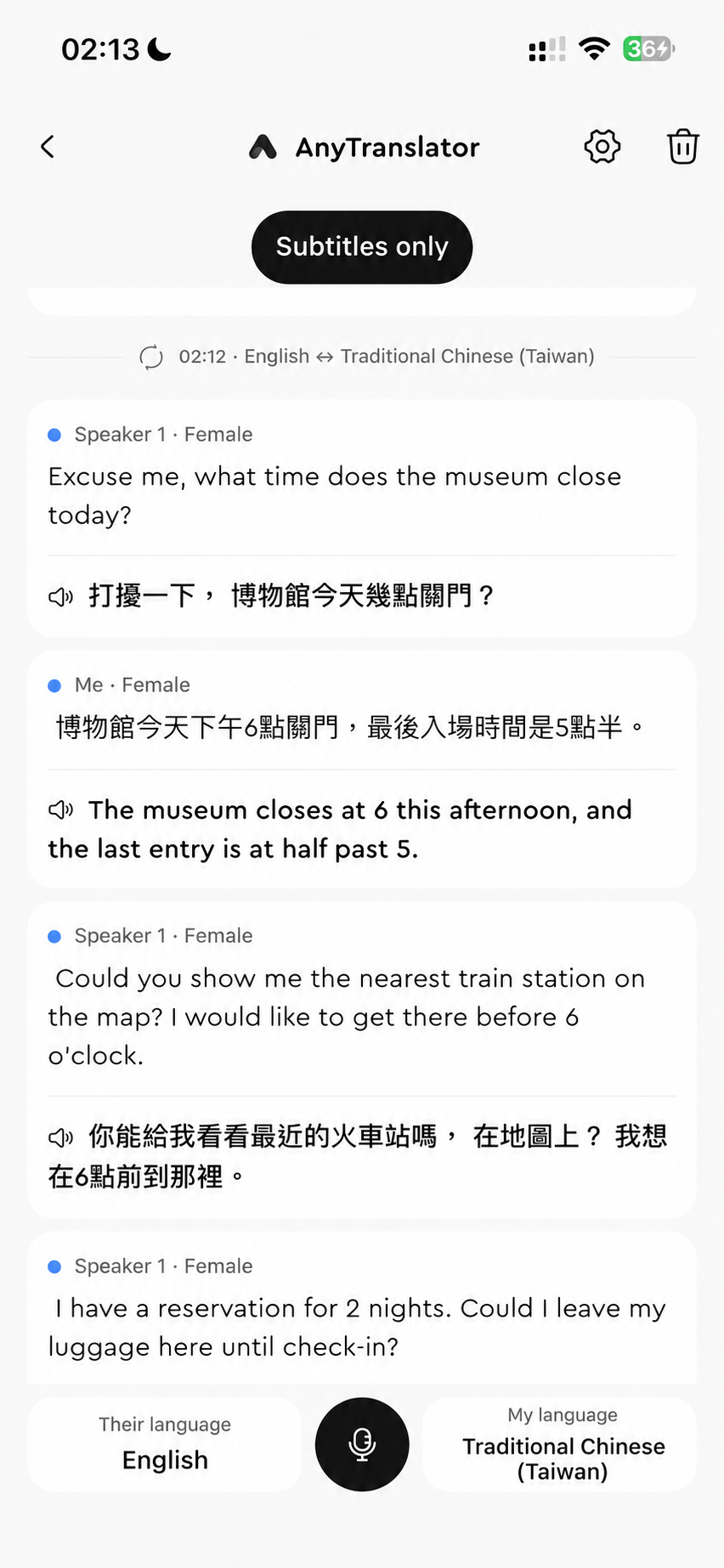
- 01Video subtitles: turn playing speech into subtitles you understand.
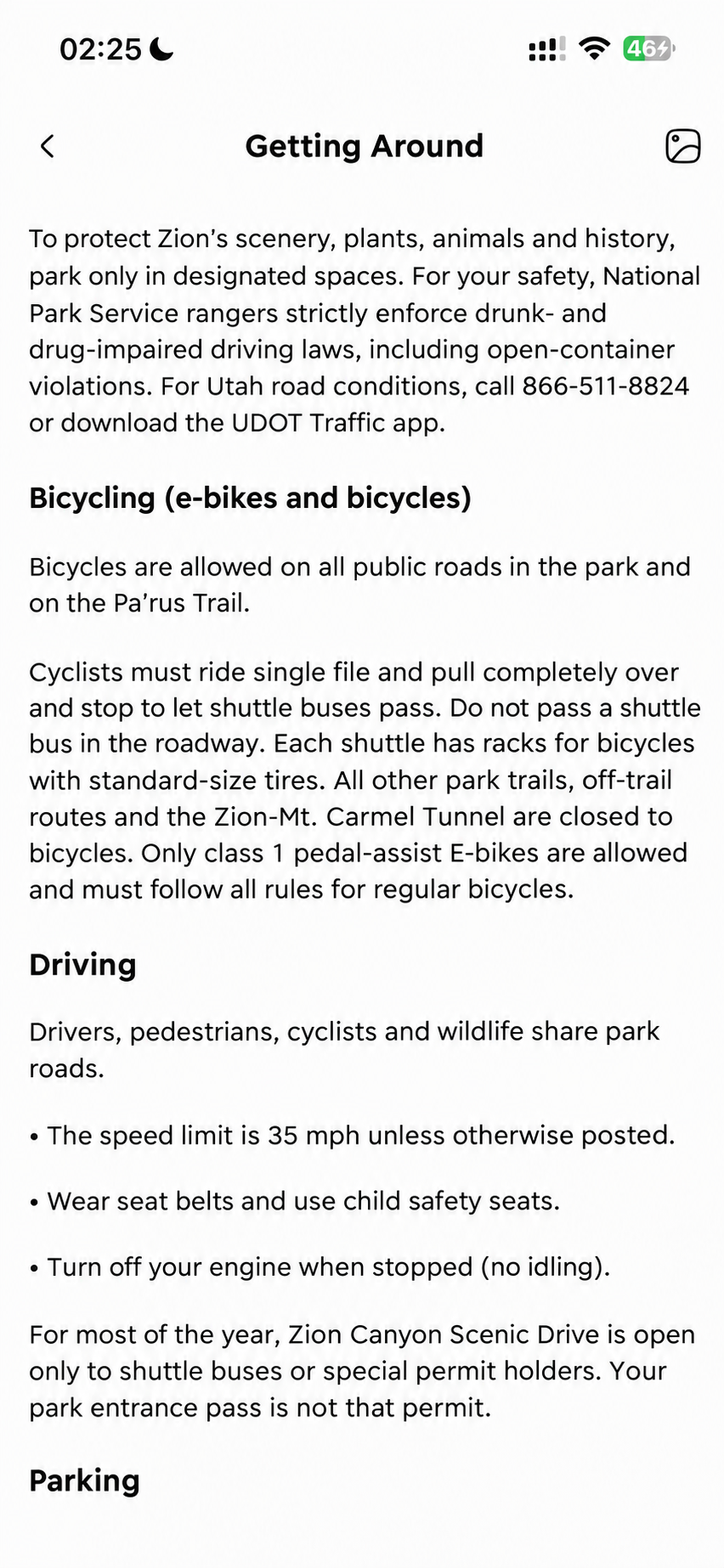
- 02Screen text: read visible text on websites, chats and games.
- 03Picture in Picture and history: compare as you go, revisit it later.
Start with a real task.
Choose subtitles for videos and screen text for webpages. Move Picture in Picture or scroll the original page to read the next passage. Stop the screen broadcast when done; reopen useful lines from history.
Requires iOS/iPadOS 16 or later, Picture in Picture and internet. Protected content may not be translatable. Subtitles use voice minutes; screen text uses translation credits. Check your balance in the App.