AI assistant
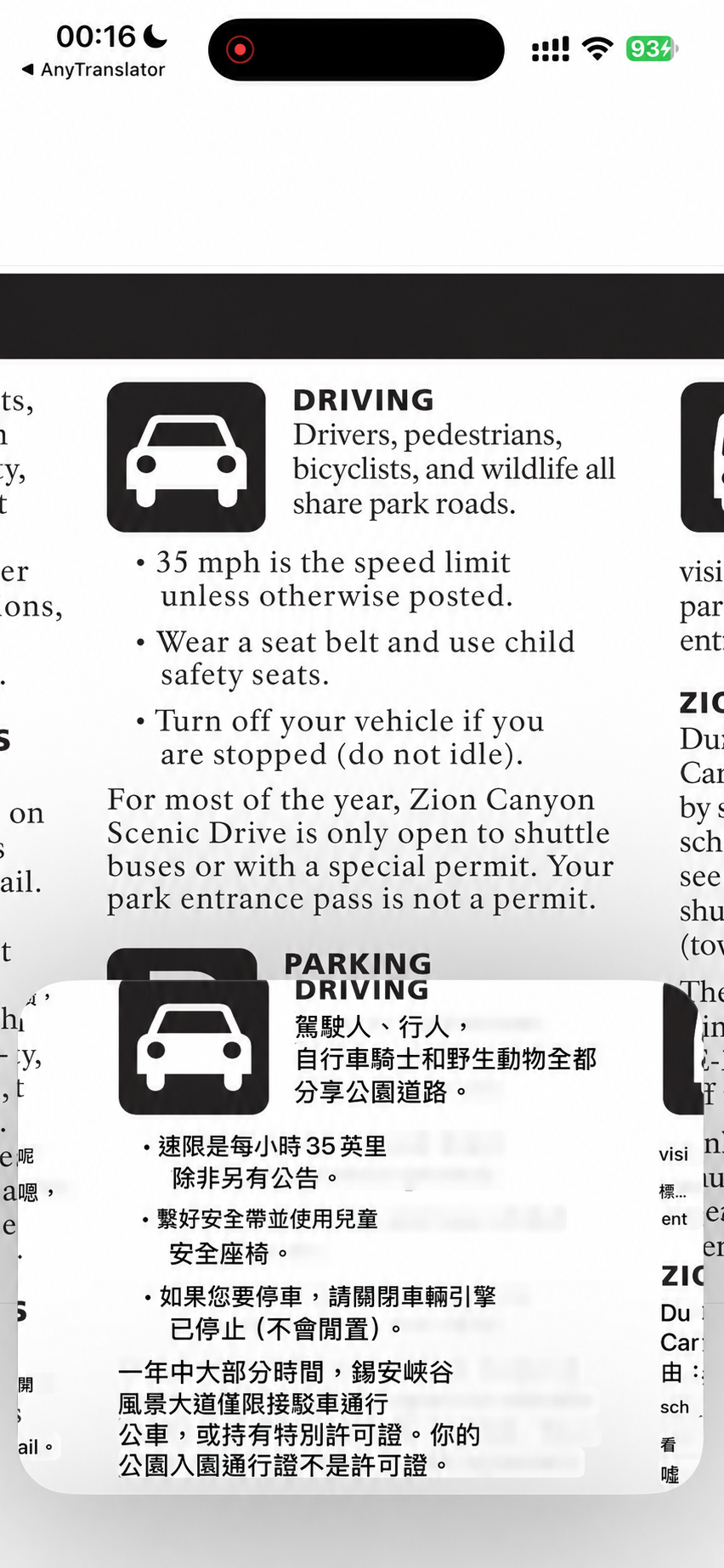
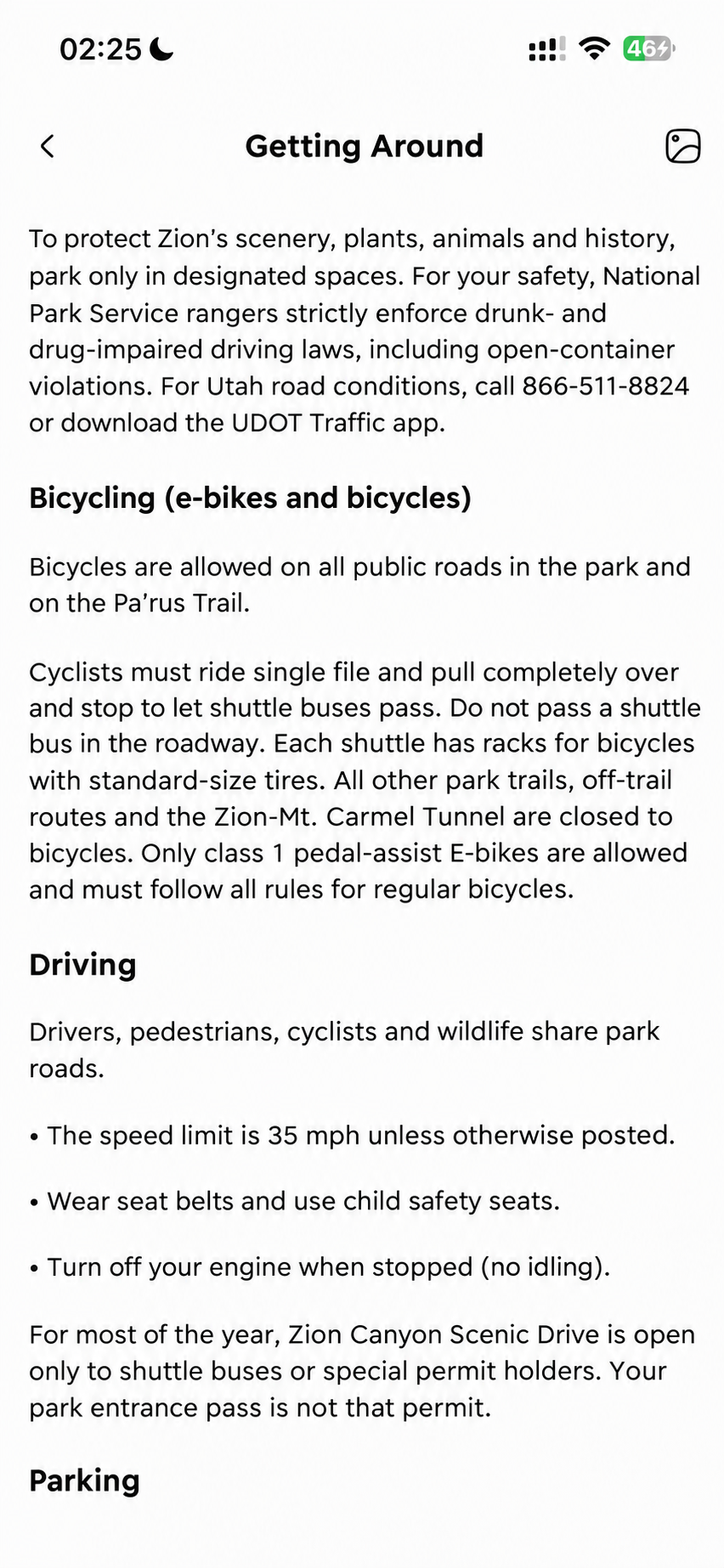
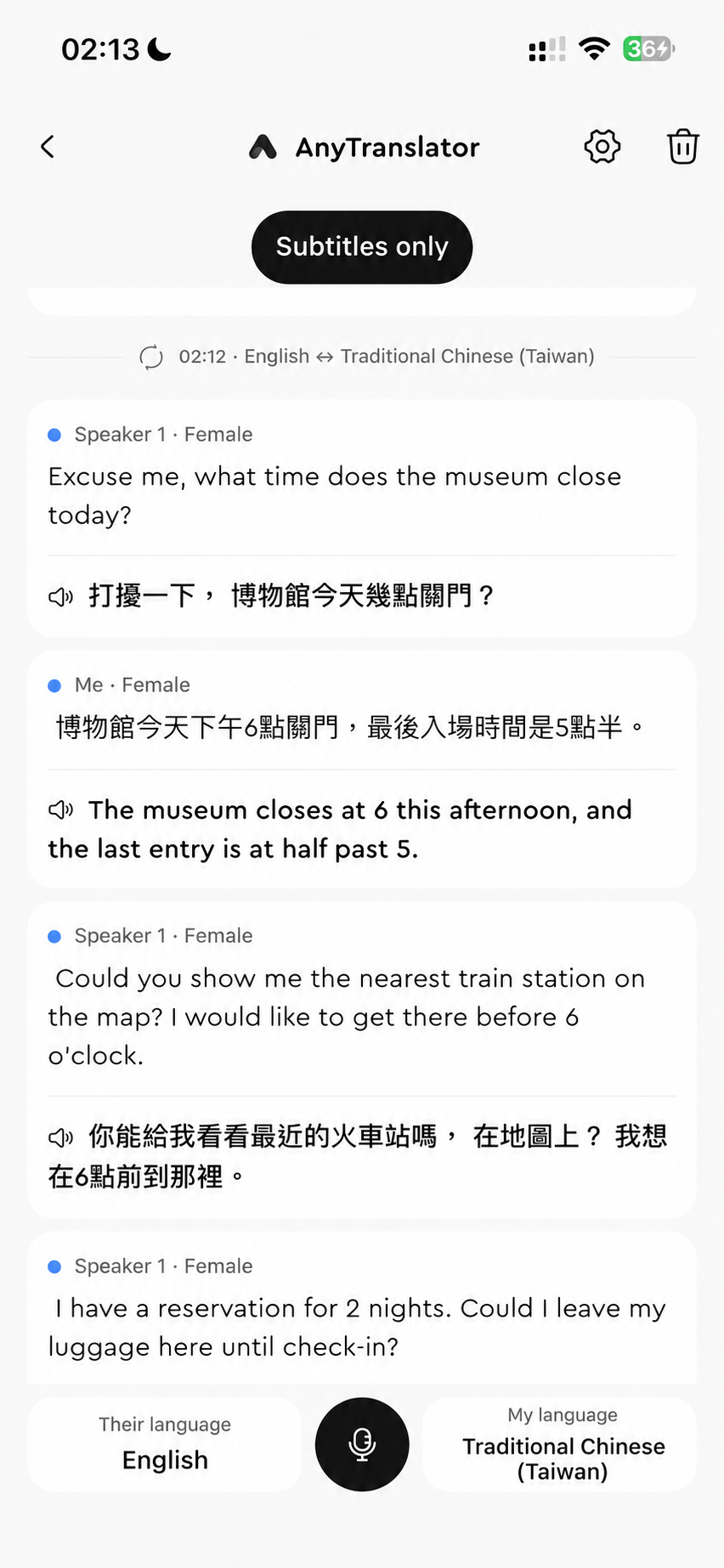
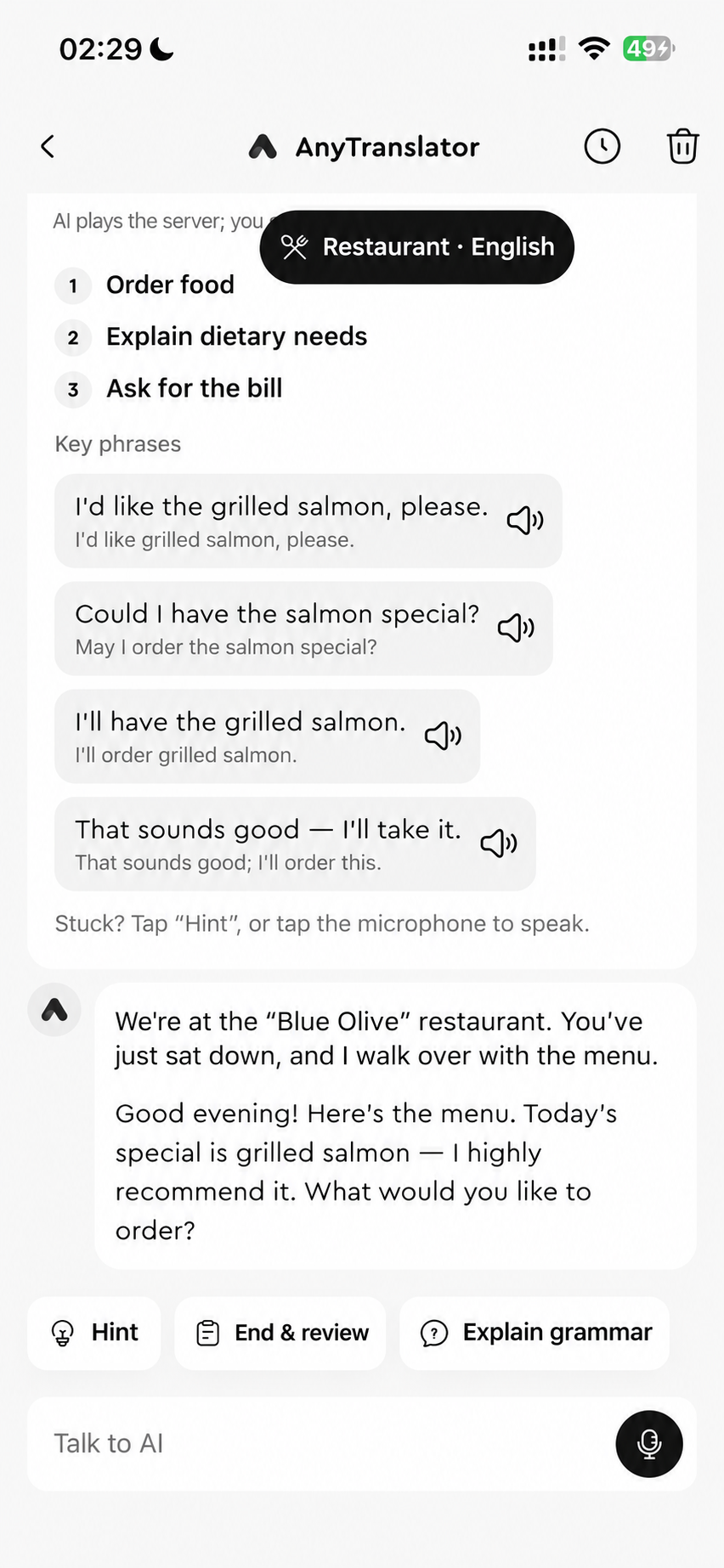
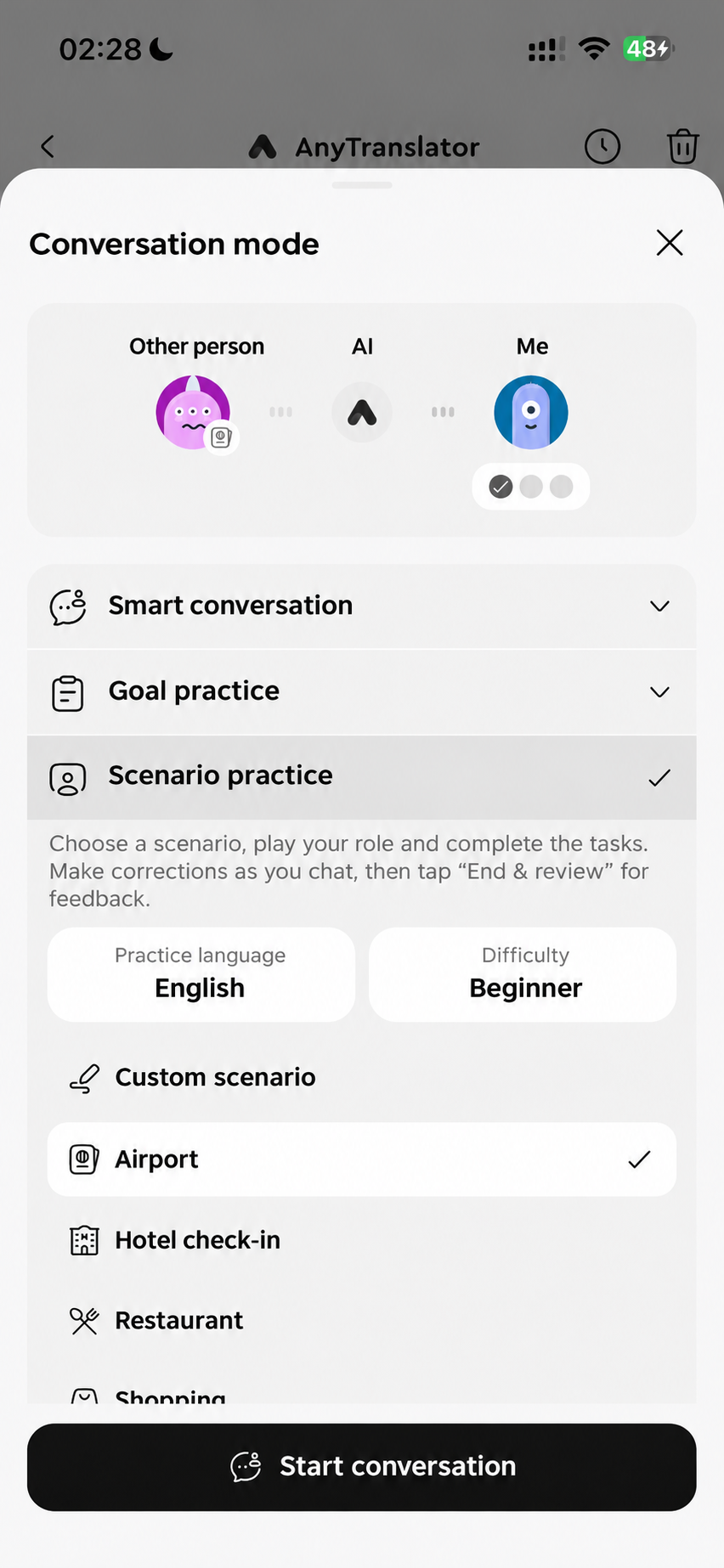
Practise ordering before a trip or speaking before work. Ask about a photo you don't understand. Natural AI voice, interpreting and scenario practice help you move from understanding to speaking.
- 01Ask about photos to understand signs, messages and key details.
- 02Practise scenes and goals for travel, work and daily conversations.
- 03Listen, repeat and practise again; save expressions you'll use.
Helper & custom knowledge
Break down cases, endings and sentence patterns in source text and translations. Choose grammar, common mistakes or word-by-word analysis, then save instructions for your field, goals and preferred level of detail.
- 01Grammar, common mistakes and word-by-word analysis show how sentences fit together.
- 02Go further with synonyms, examples, implied meaning and suggested replies.
- 03Save instructions for your field, goals and explanation depth, then reuse them.
Learning Widget
Tap on your Home Screen to hear AI speech, repeat, review or mark a phrase as learned. Open the App from your Lock Screen; use StandBy where supported. Choose words, collocations, idioms or sentences, with your own topics, difficulty and instructions.
- 01Read phrases and repeat AI pronunciation from your Home Screen.
- 02Mark items for review or as learned to guide your next session.
- 03Choose content types, topics and difficulty, then add custom instructions.
Start with a real task.
Start with a scene or goal, such as ordering or an interview, or create your own. Ask AI to slow down, follow its tone and rhythm, then talk, review feedback and save phrases to practise again.
Internet and allowance required; voice needs microphone permission. Availability varies by version, language and service status. Verify important information. A custom goal replaces your current plan and progress. Check the App for remaining allowance.