Not sure how to ask? Get help asking.
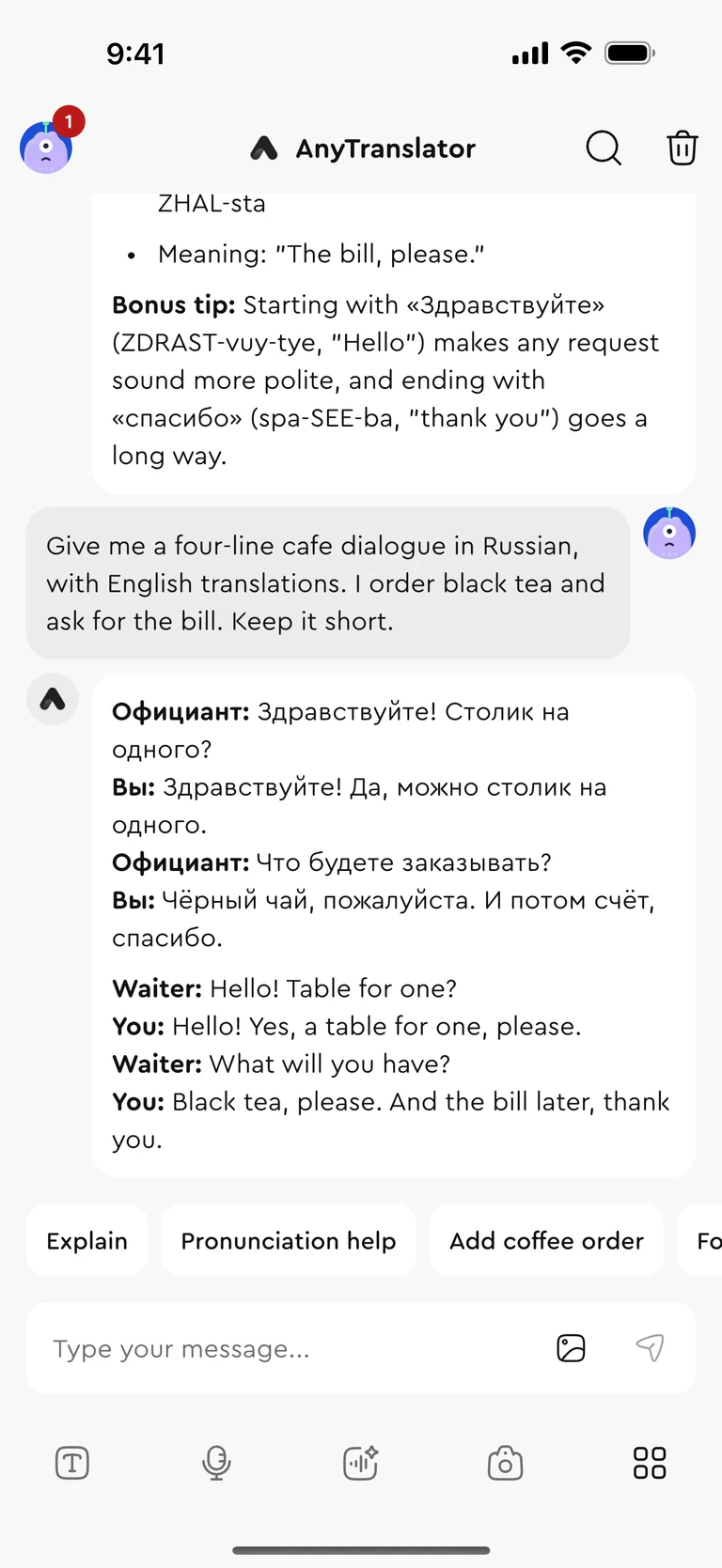
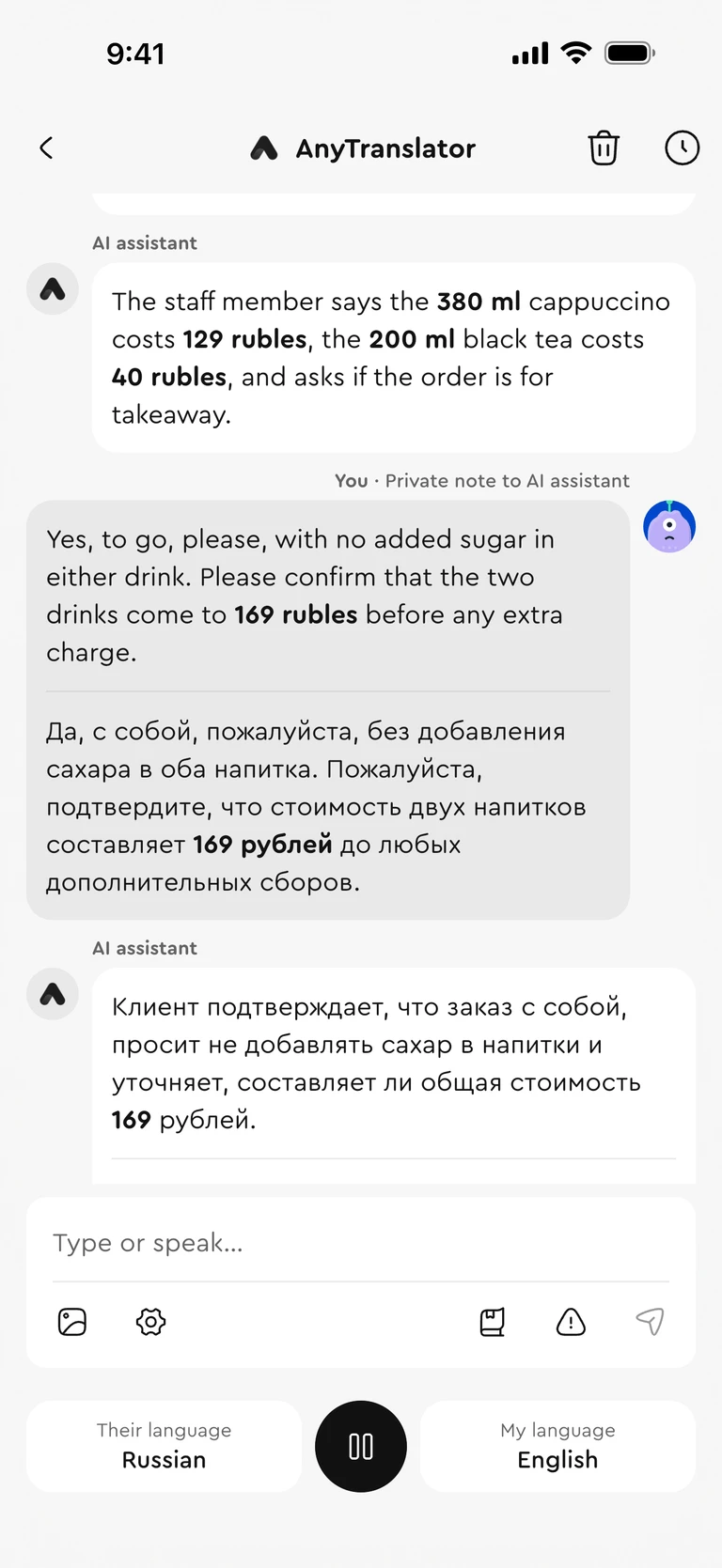
Tell the assistant your goal. It helps you ask follow-up questions and check the details, while you make the decisions.
- 01Tell it what you need
- 02Ask and clarify together
- 03Review and confirm the details
YOUR AI ASSISTANT ACROSS LANGUAGES
Ask with an AI conversation assistant. Read menus and documents with a scan. Translate, reply and learn in one App.
For iPhone, iPad and Mac
Free to download. Pro is available in the App.
From the first question to the next reply, find the tool for the moment. Every feature is right here.
Tell the assistant your goal. It helps you ask follow-up questions and check the details, while you make the decisions.

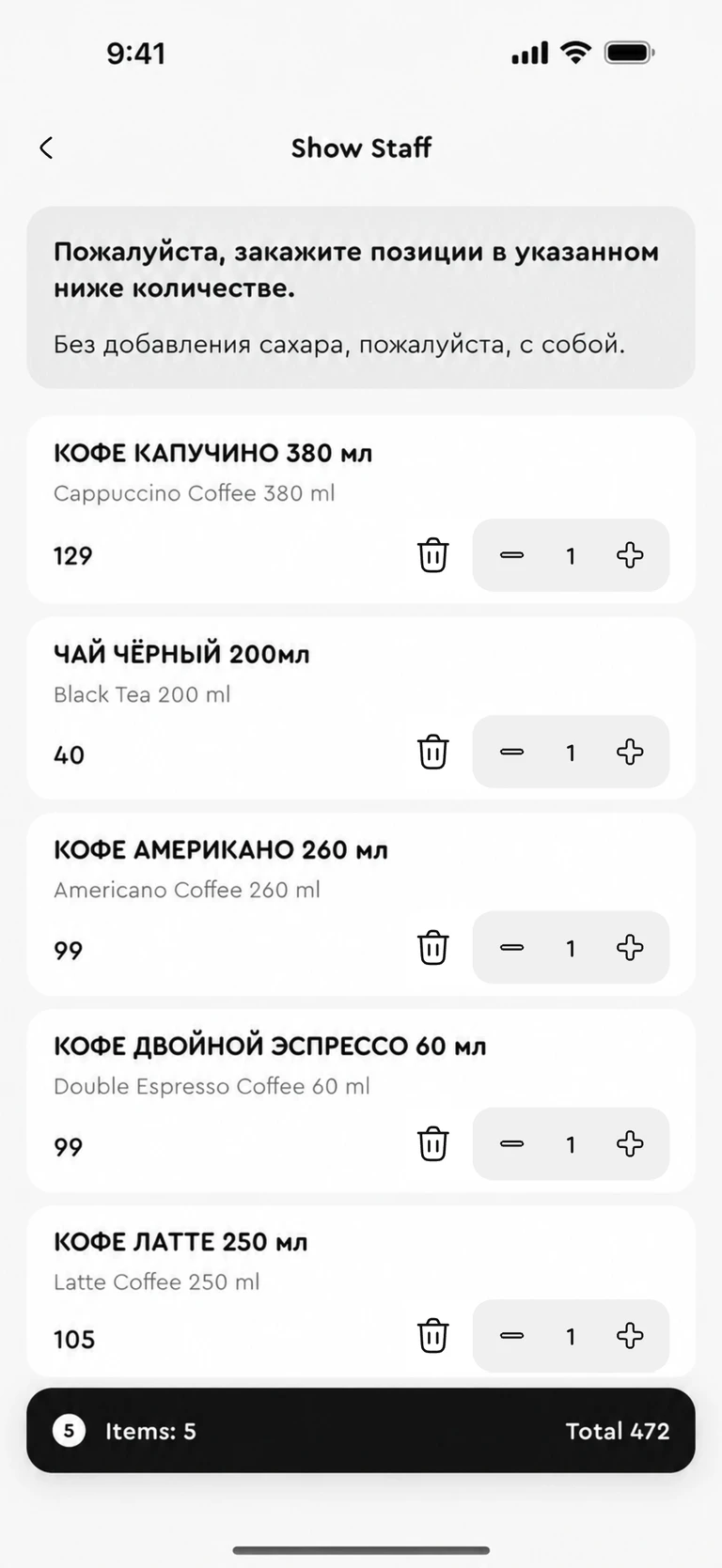
Read dishes and prices, choose quantities and options, then show your order in the staff’s language.

Scan a paper document into clear paragraphs and tables. Compare the translation to find times, prices and key information.

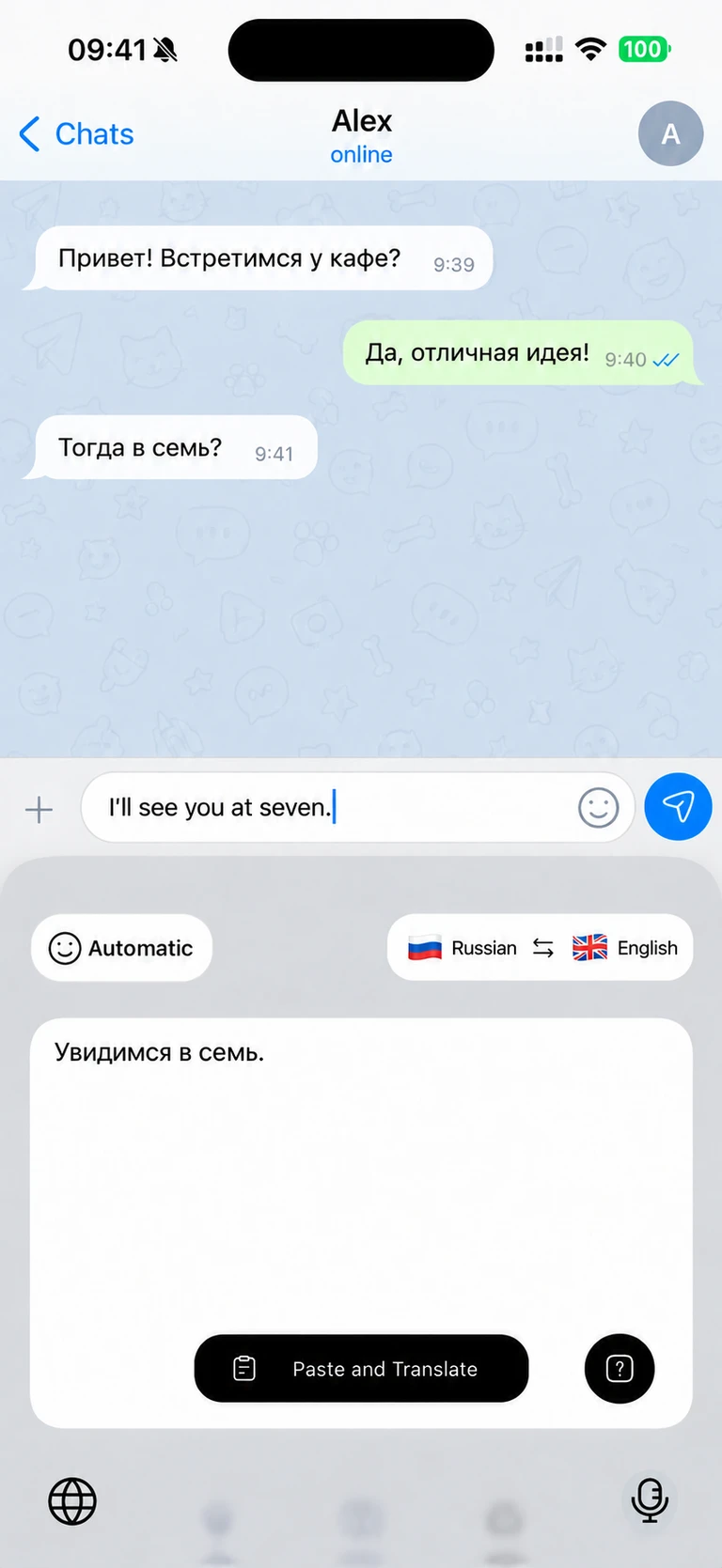
Translate your message and adjust the tone from your iPhone or iPad keyboard. Spend less time copying between Apps.

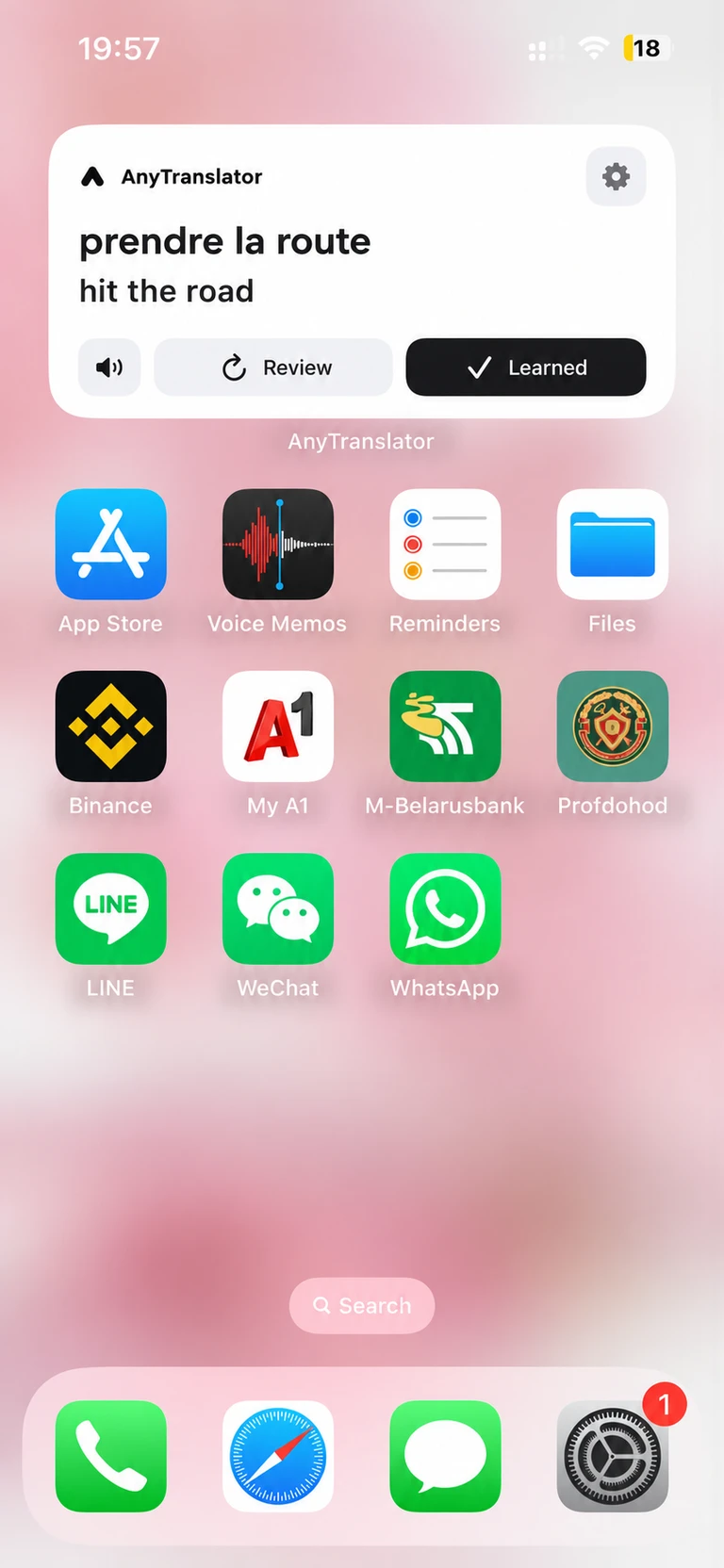
Bring language practice to your Home Screen. Review words and phrases in spare moments and hear their pronunciation in the App.

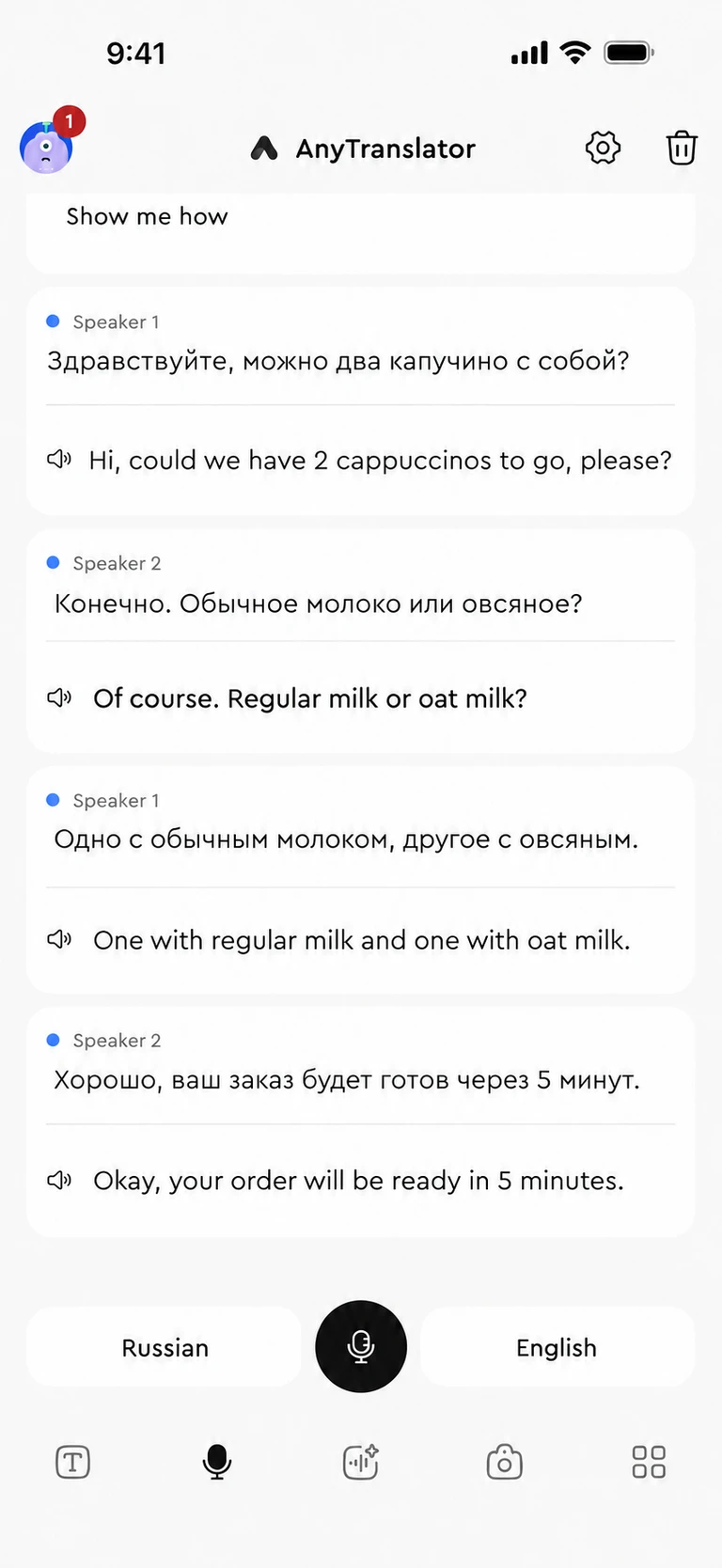
Use bilingual captions and spoken translations at check-in, while asking directions or in an everyday conversation.

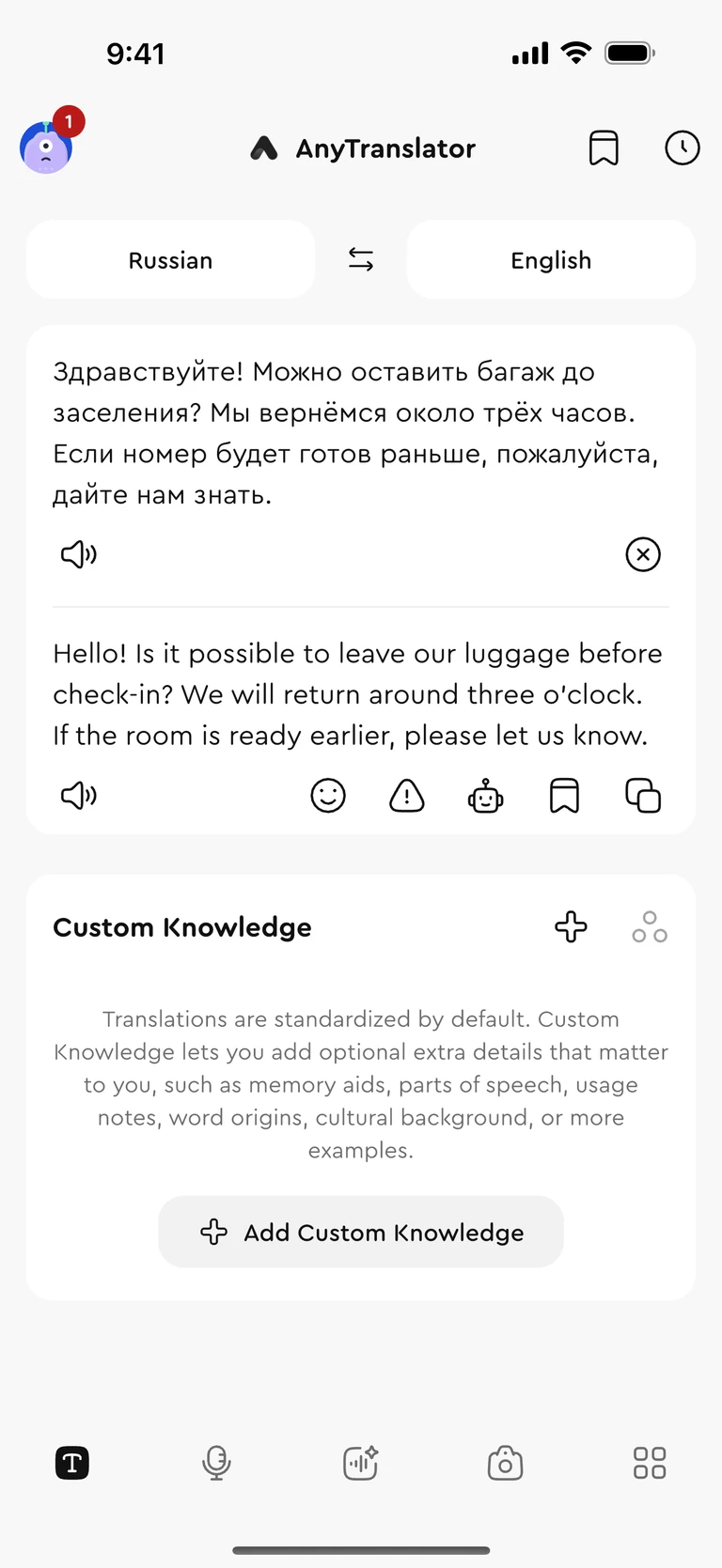
Translate messages and emails, choose the tone, then listen or copy your reply. Go from understanding to answering.

Bring text or a photo into Chat. Clarify a phrase, ask for an example or work out how to reply.

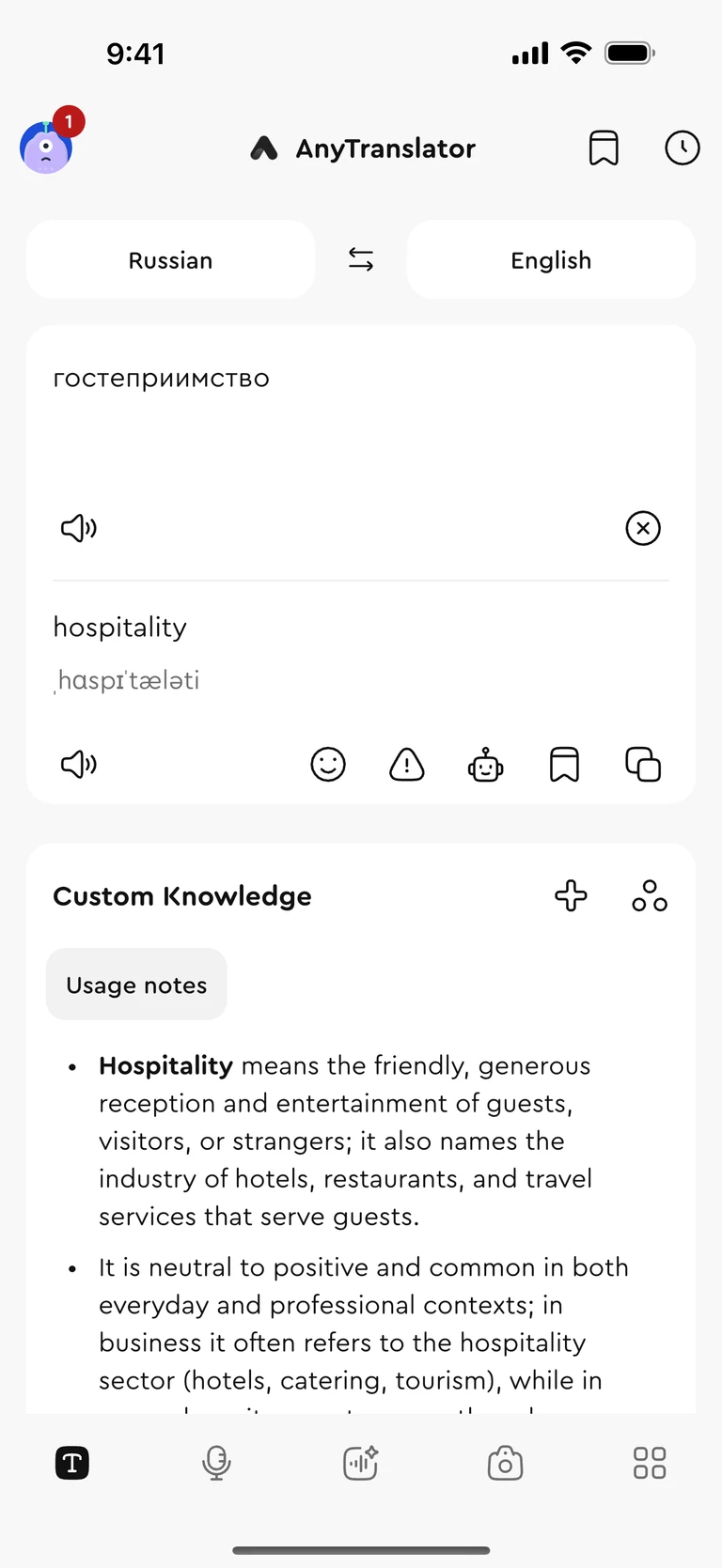
Explore grammar, vocabulary, examples and cultural context beside your translation, with explanations shaped around you.

Translate a sign, label or notice from your camera or photo library, without typing it out.
Save your learning goals or preferred explanation style. Reuse them with Helper; Pro supports up to five profiles.
Return to translations, organized scans and conversation records. Keep useful details within reach.
ANYTRANSLATOR PRO
For work messages, longer conversations and learning that fits your day. Choose Pro when you need more.
Unlimited text, photo and Chat translation counts with Pro.
More voice translation minutes for questions, replies and the details that follow.
Save up to five custom knowledge profiles for explanations that fit work, study and daily life.
Customize learning Widget content, topics and difficulty with Pro.
Start free. Pro prices, usage allowances and renewal terms appear in the App before purchase.
Yes. Download the App for free and try the basic features. Pro is optional; prices, allowances and renewal terms are shown before purchase.
AnyTranslator is available on iPhone, iPad and Mac. Some tools depend on the platform: the translation keyboard is for iPhone and iPad.
Voice translation helps both people understand what is said. The AI conversation assistant works from your goal to help ask questions, clarify and review details. You remain in control.
Enable the AnyTranslator keyboard and Full Access in iOS settings, then switch to it in a supported text field. Some secure fields and Apps restrict third-party keyboards.
Menus become translated dishes and prices with an order you can show to staff. Documents become readable paragraphs and tables. You can reopen saved scans from history.
Give the text enough context, choose the appropriate tone and use a clear photo for scans. For important names, amounts and decisions, compare the original and translation.