iOS keyboard
Keyboard translation: prepare replies in the App you're using.
Reply without switching Apps. Type or use iOS dictation, translate and adjust the tone in the text field, then send it yourself.
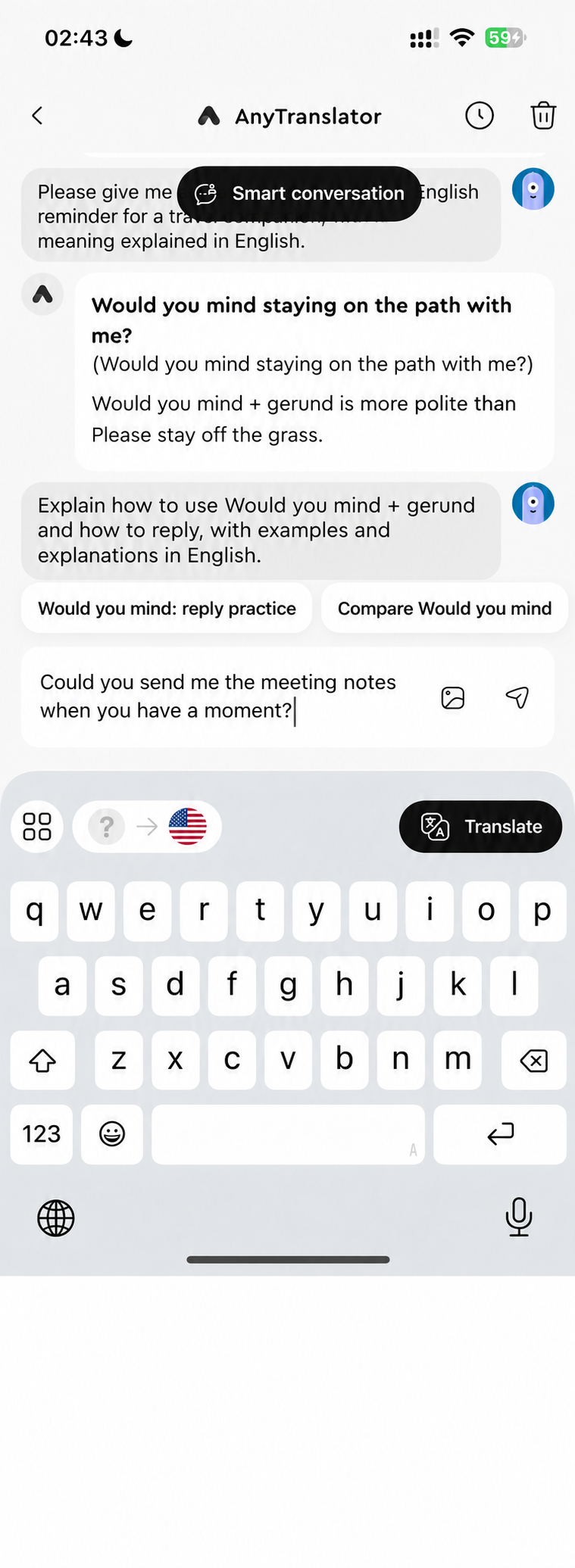
iOS keyboard
Write the reply right where you need it.
Translate chats and work messages in their original text field, with a tone that fits. Type or use iOS dictation, or translate clipboard text and insert it straight into your draft.
- 01Translate and replace the draft in the same text field.
- 02Type or use iOS dictation, then choose your language and tone.
- 03Translate clipboard text, copy the result or insert it at the cursor.
Related features
Text & writing
Messages and email in seven tones to suit the reader. Use Helper to understand Russian and German endings, then ask the AI assistant to proofread your source text.
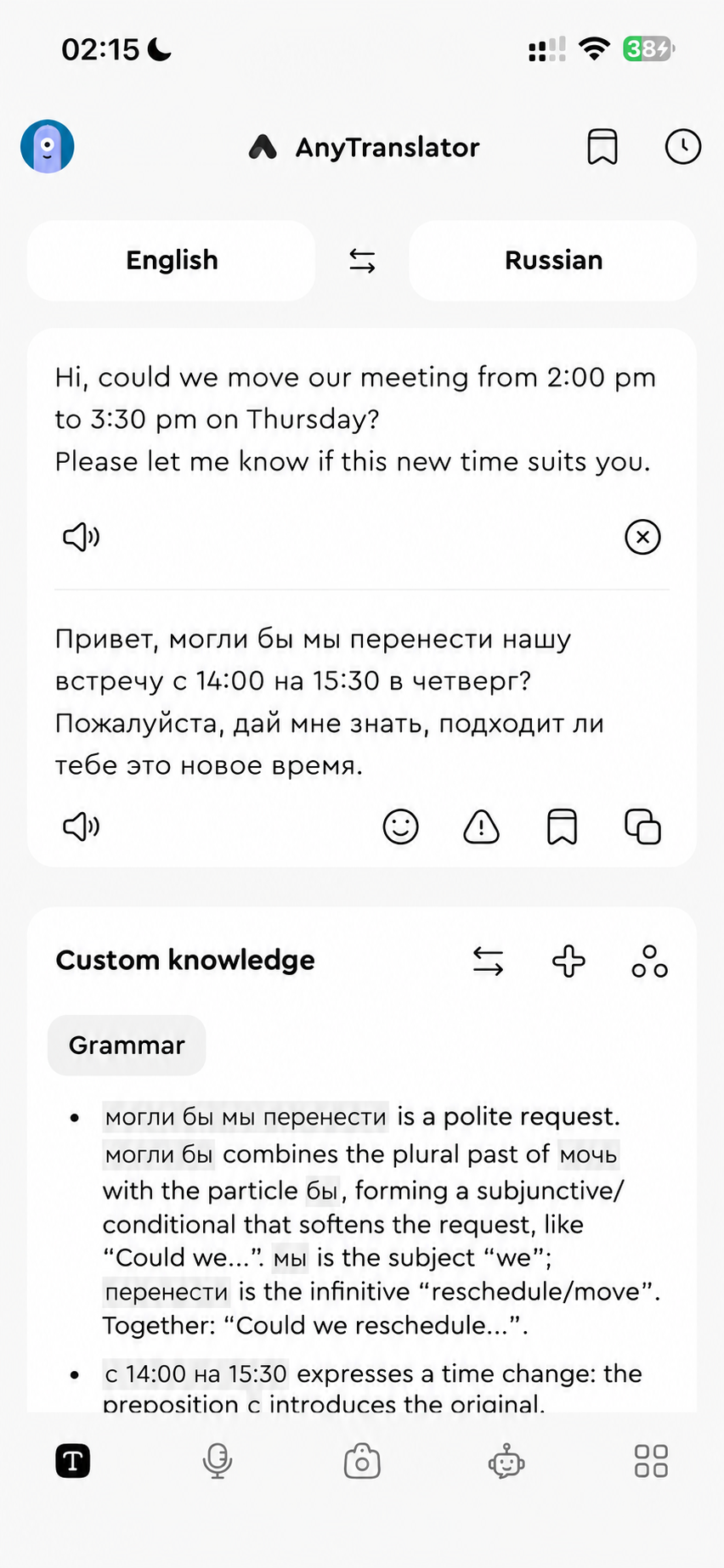
Helper & custom knowledge
Unpack Russian cases and German endings in your language. Save your preferred explanations once and reuse them with the next sentence.
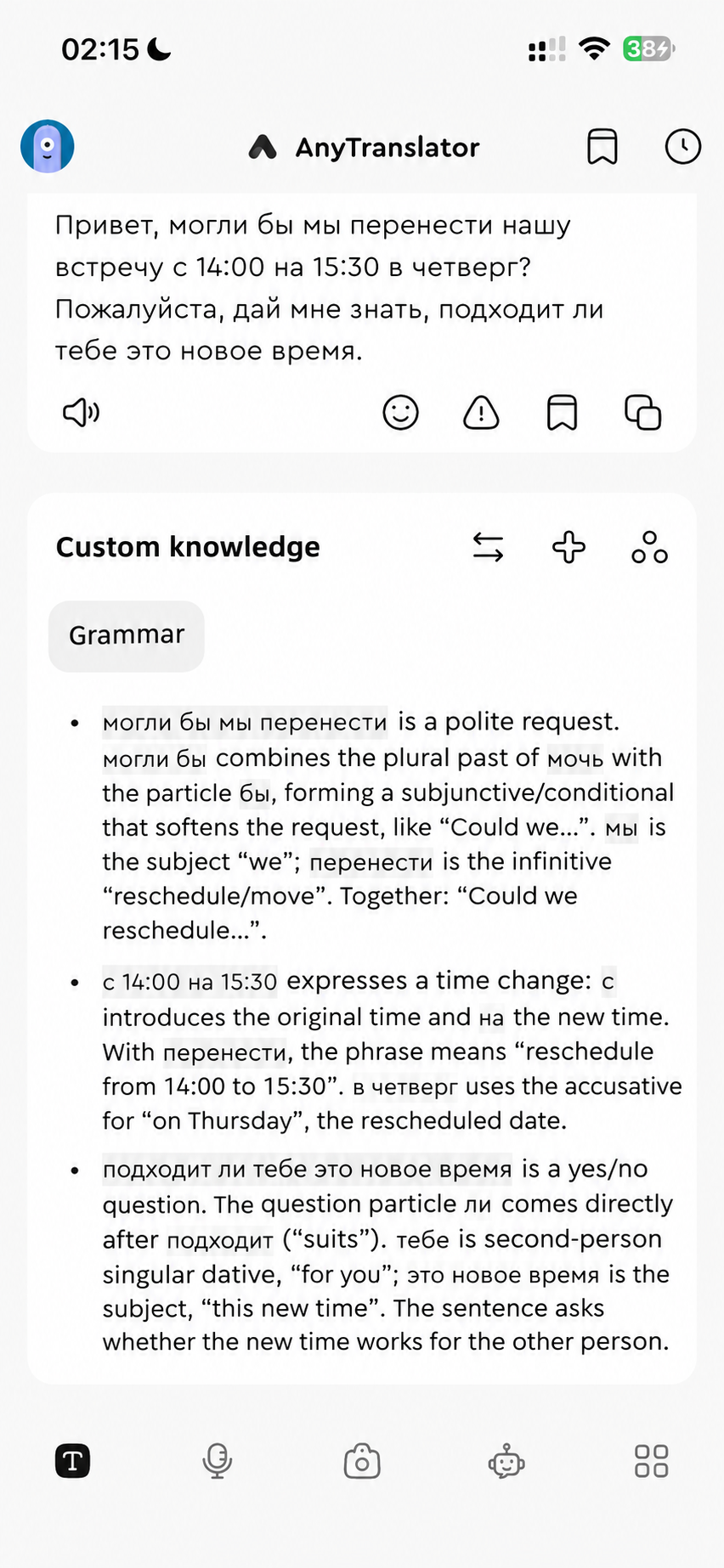
AI assistant
Understand photos, interpret conversations and practise with natural AI speech. A language coach for travel, work and everyday life, whenever you need one.
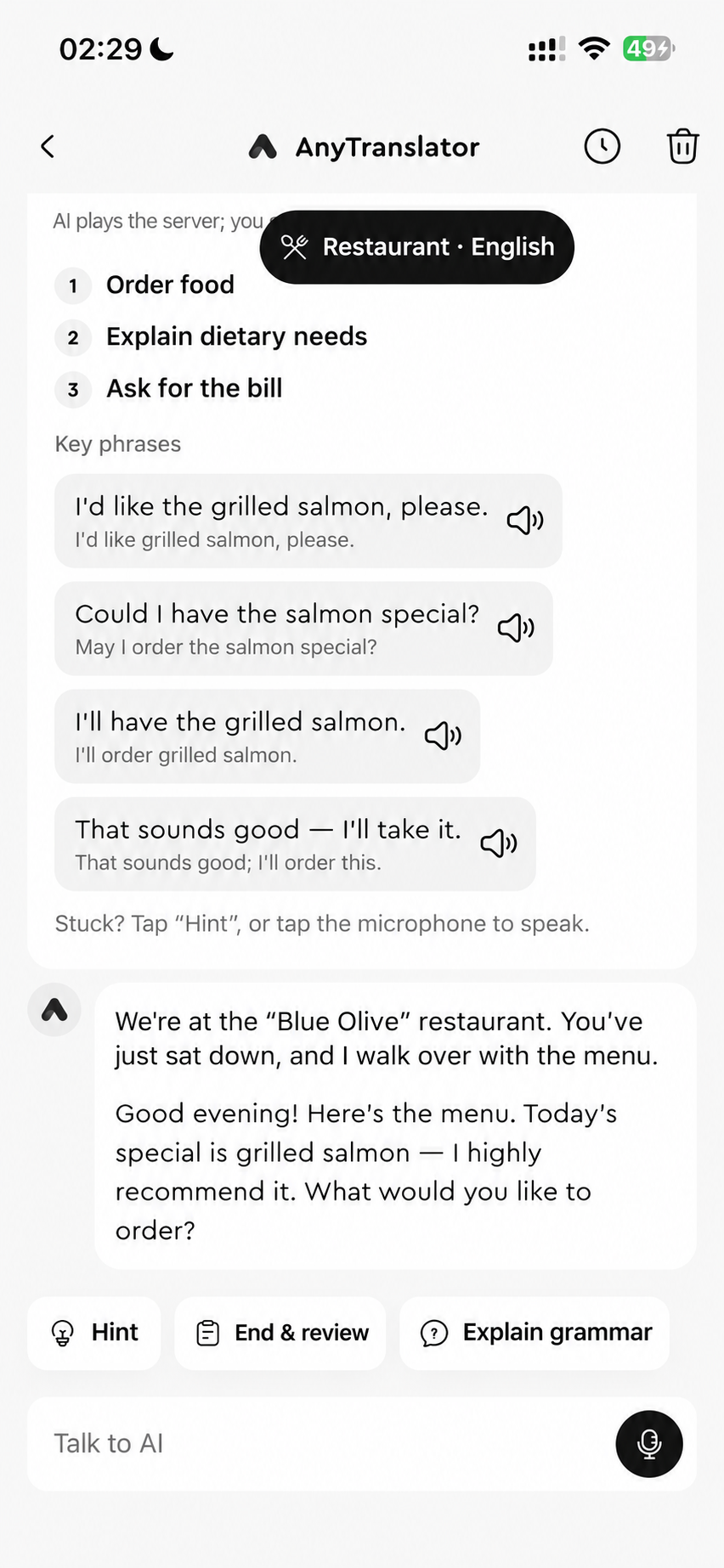

Your next conversation starts here.
Free to download. Pro available in the app.