
macOS
View Mac download options
Check the App Store for Mac compatibility and system requirements. The translation keyboard, learning Widget and cross-App translation are for iOS/iPadOS.
View Mac download optionsChoose your device. Bring AnyTranslator to the moments you need it.
macOS
Check the App Store for Mac compatibility and system requirements. The translation keyboard, learning Widget and cross-App translation are for iOS/iPadOS.
View Mac download optionsiOS & iPadOS
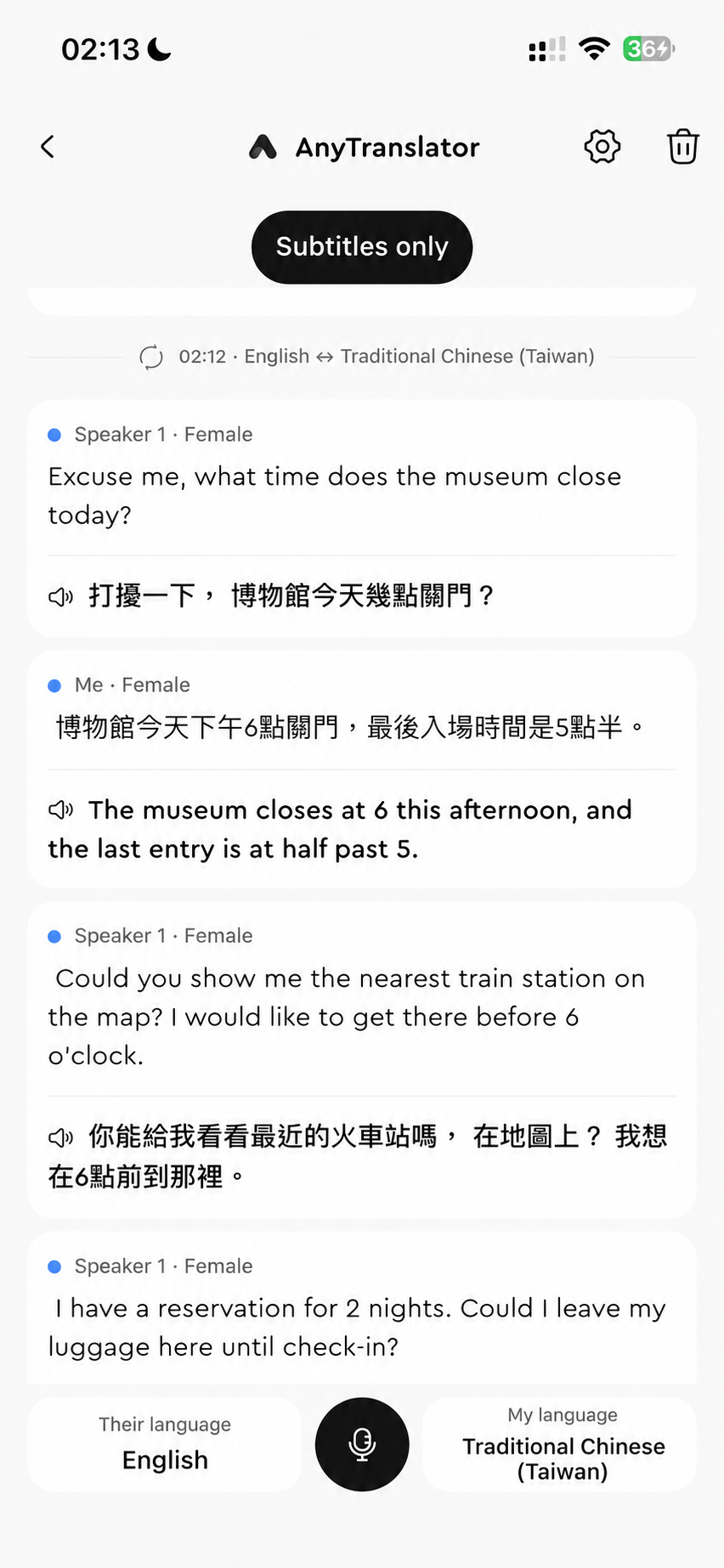
Text, voice, photo, menu, document and table translation, plus an AI assistant, screen translation, a keyboard and learning Widget.
Download free for iOSFAQ
Try translation, the AI assistant, voice and basic Widget content for free; check the App for allowances. Pro adds multi-page scans, more Helper settings and custom learning content. Voice plans include more minutes.
Check the App Store for Mac compatibility and system requirements. The translation keyboard, learning Widget and cross-App translation are for iOS/iPadOS.
For face-to-face chats, use voice translation for bilingual subtitles and natural AI speech. For questions or speaking practice, talk to the AI assistant and follow its examples. They use separate minute allowances.
Enable the AnyTranslator keyboard and Full Access in iOS settings, then switch to it in a supported text field. Some secure fields and Apps restrict third-party keyboards.
Menu lets you choose dishes and extras, then show an order in the original language. Document organises paragraphs by page; Table keeps rows and columns. Scan 1 photo at a time for free, or up to 10 per batch with Pro. Reopen results from scan history.
Use Helper's Grammar, Common mistakes and Word-by-word analysis to understand Russian and German cases and endings. To revise your source sentence, ask the AI assistant to proofread it and explain why.