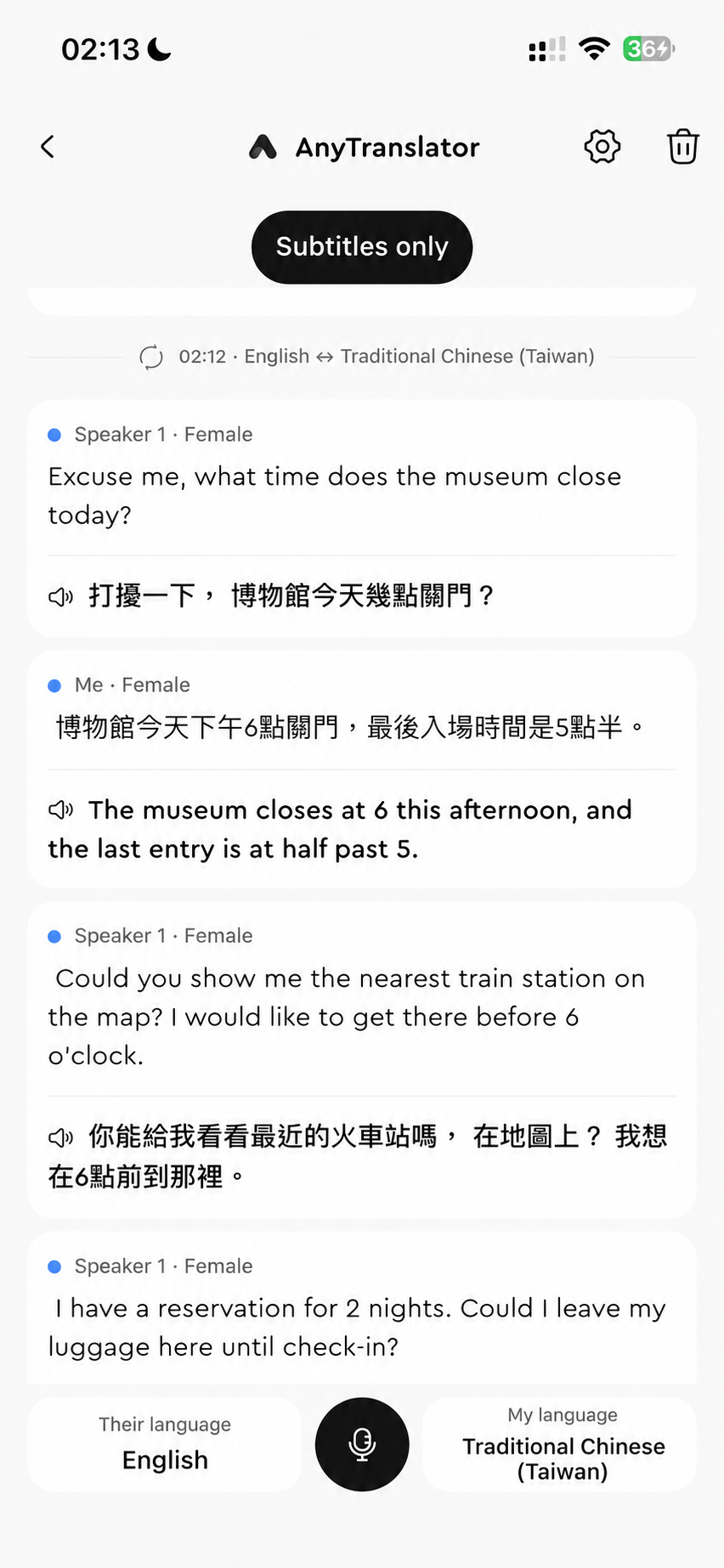
Live voice translation
Ask for directions, check in or have a conversation with bilingual subtitles and natural AI speech. Four audio modes suit different settings. Revisit summaries, replay translations and learn useful expressions afterward.
- 01Two-way conversation reads both sides aloud; Speak for me plays your translation.
- 02Private listening uses the earpiece or headphones; Subtitles only suits quiet places.
- 03Revisit conversations, replay AI speech, and copy or share summary highlights.
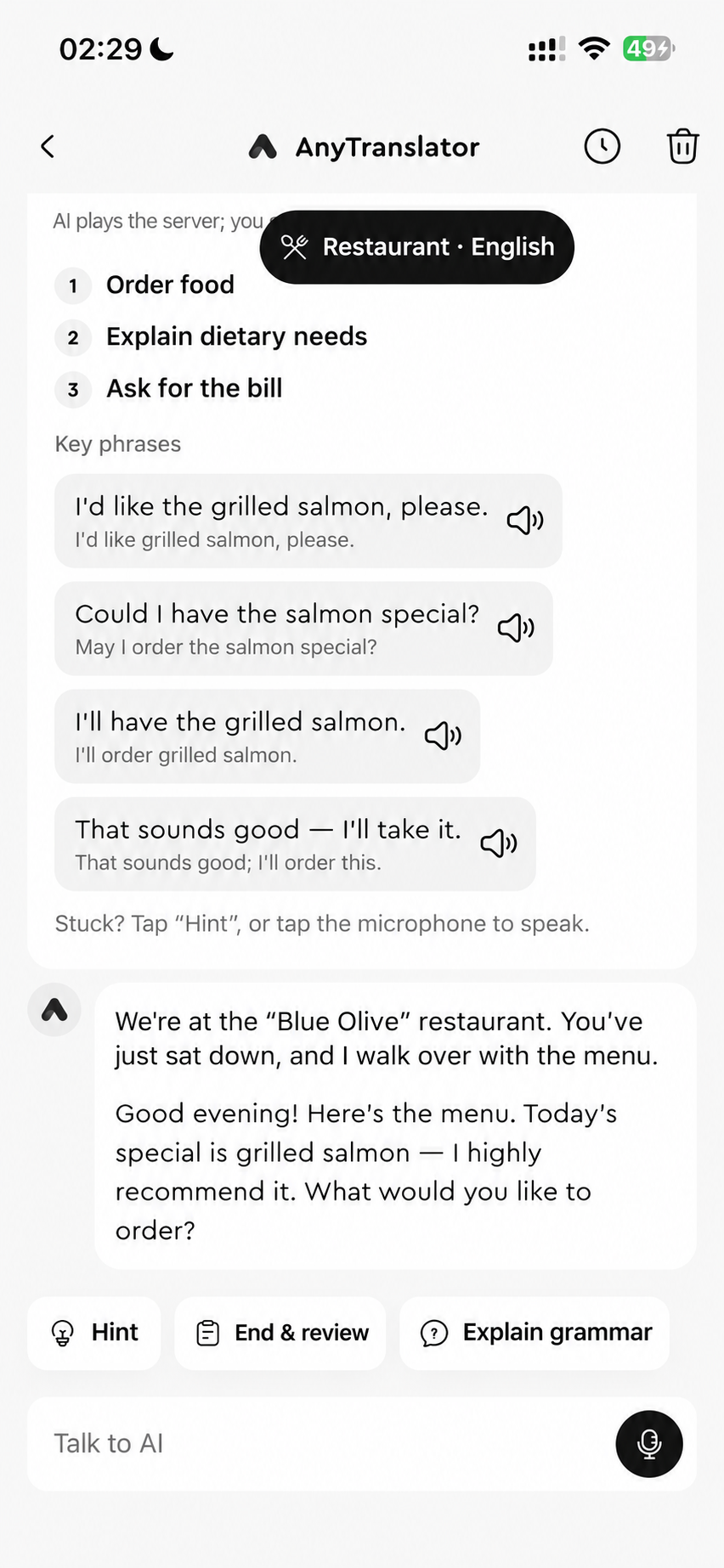
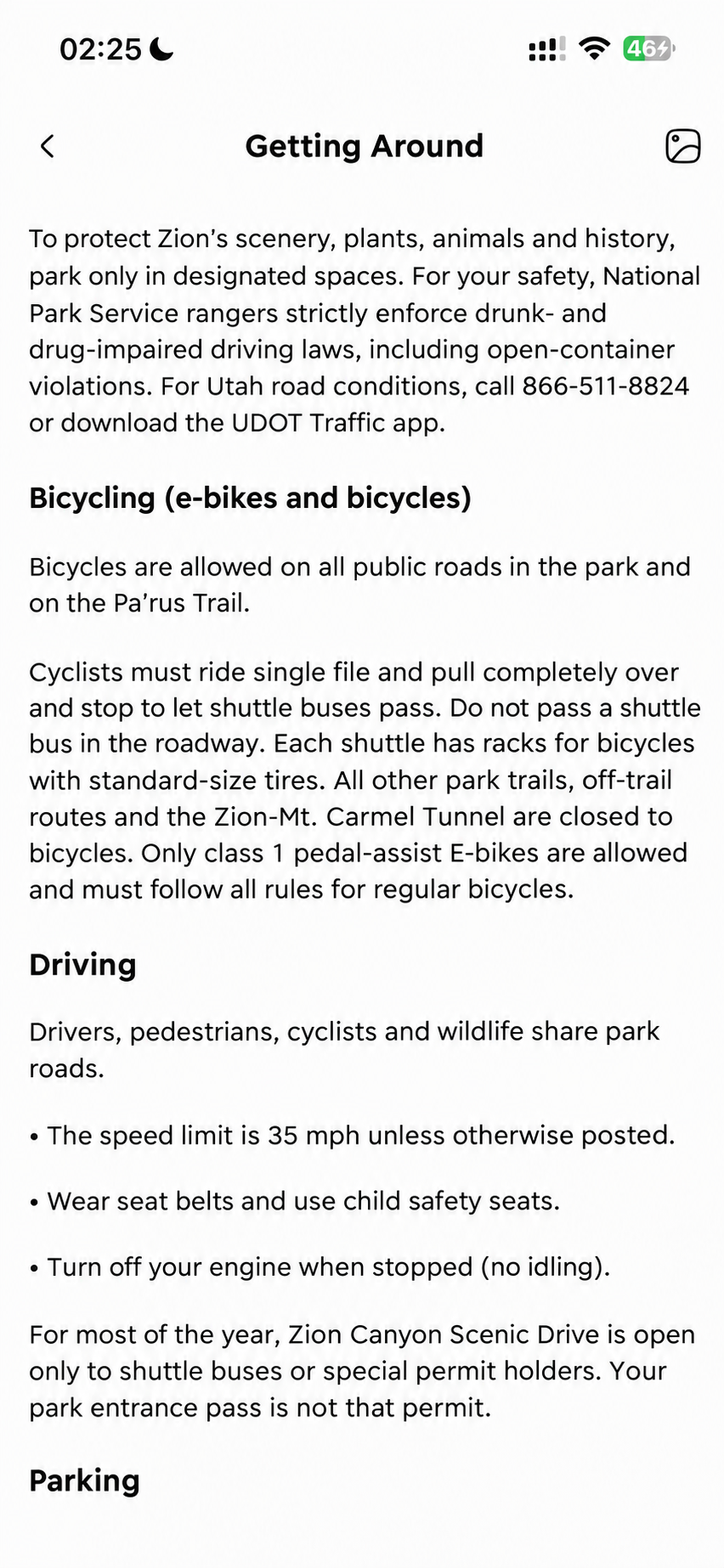
AI assistant
Practise ordering before a trip or speaking before work. Ask about a photo you don't understand. Natural AI voice, interpreting and scenario practice help you move from understanding to speaking.
- 01Ask about photos to understand signs, messages and key details.
- 02Practise scenes and goals for travel, work and daily conversations.
- 03Listen, repeat and practise again; save expressions you'll use.
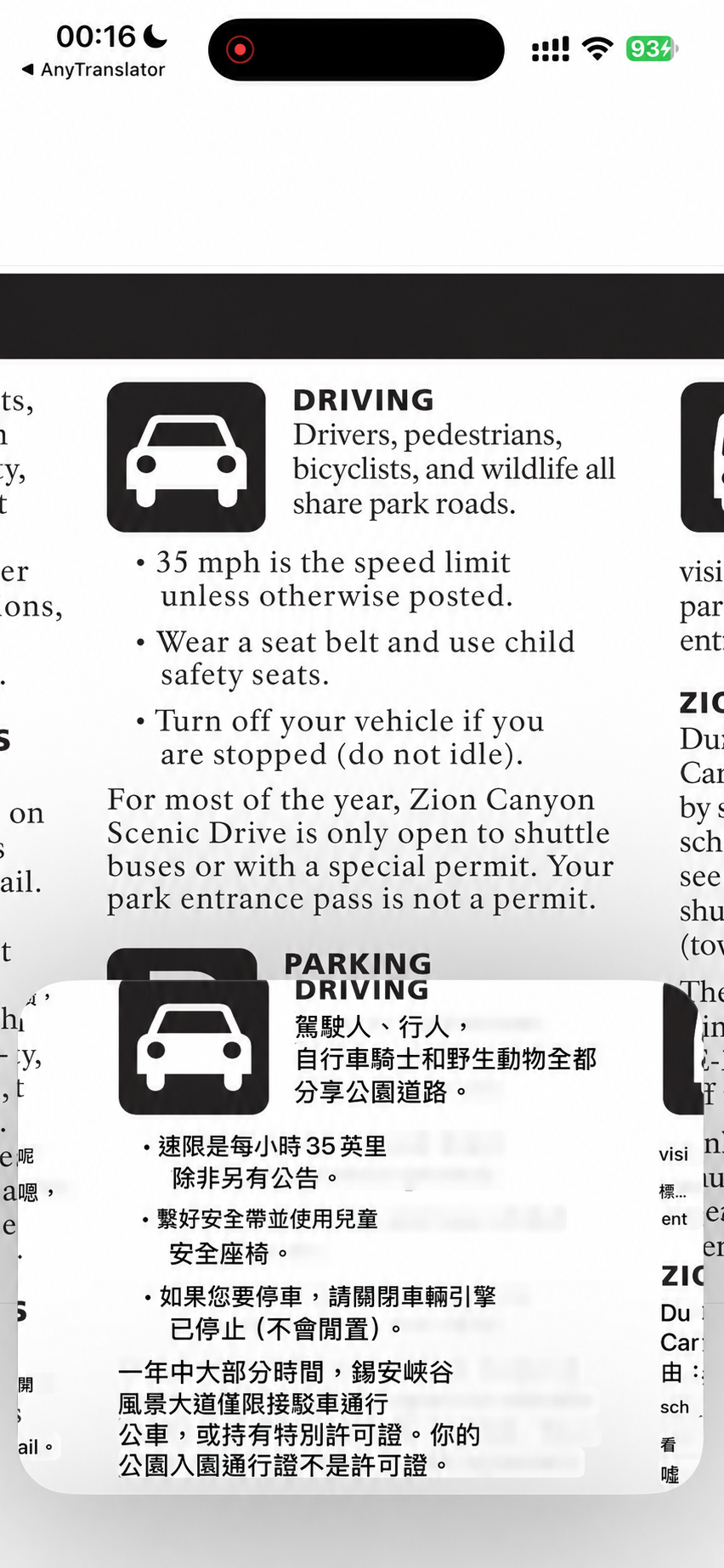
Cross-App translation
Choose the mode that fits: translate audio from a foreign video or read text on a webpage. Picture in Picture keeps the content and translation together, with fewer interruptions while watching, reading or gaming.
- 01Video subtitles: turn playing speech into subtitles you understand.
- 02Screen text: read visible text on websites, chats and games.
- 03Picture in Picture and history: compare as you go, revisit it later.
Start with a real task.
Choose both languages and an audio mode before you start. Replay AI speech and follow its tone and rhythm; revisit the conversation and summary to keep useful expressions.
Two-way conversation suits face-to-face chats. Private listening uses an earpiece or headphones; Subtitles only suits quiet settings. Start video subtitles from Cross-App translation; capturable content depends on iOS.