Video subtitles that keep you with the story
Translate audio playing in other Apps into subtitles, alongside the original. Follow videos, live streams or language lessons in a language you know, while the content keeps playing.
Cross-App translation
Stay with your video or webpage and read translations in Picture in Picture. Compare originals and translations, then revisit useful lines in history.
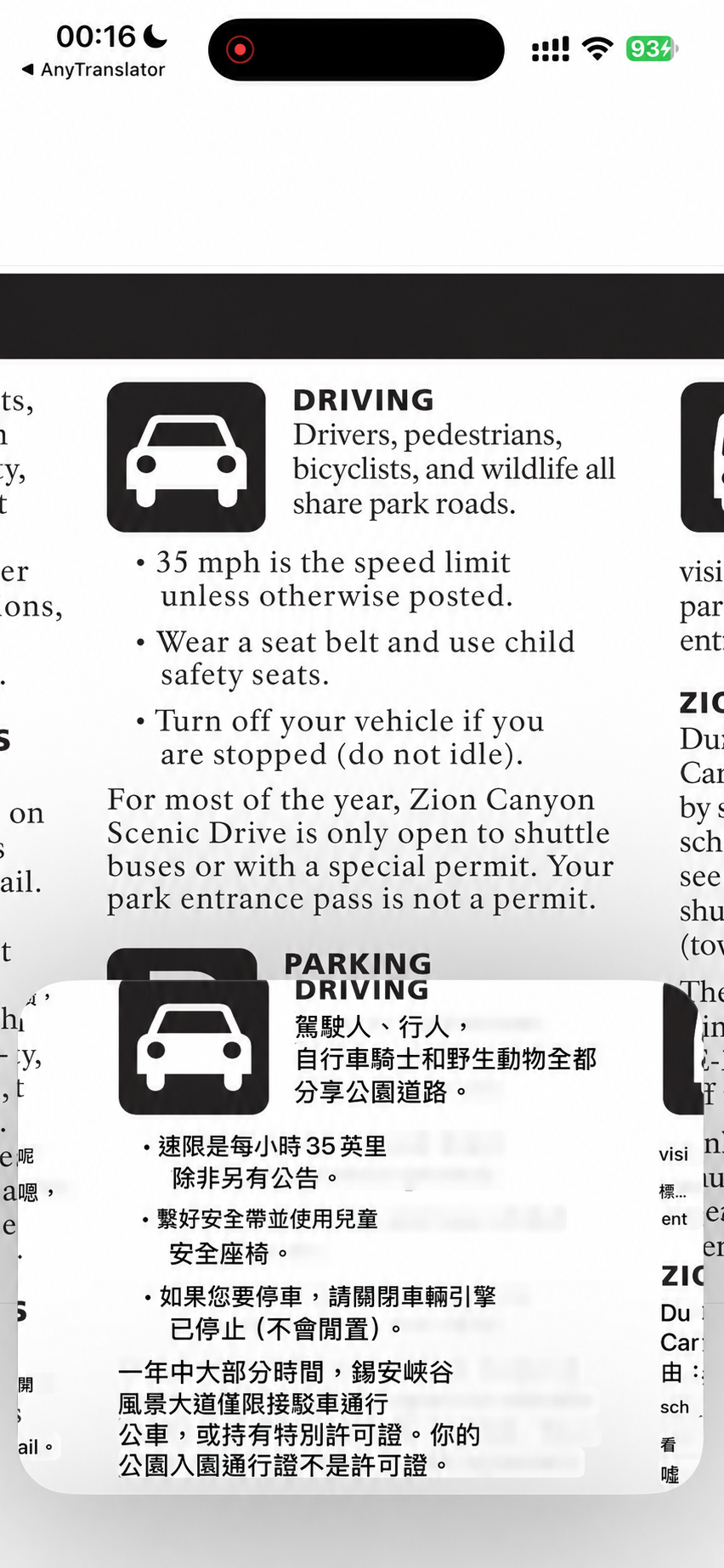
Cross-App translation
Choose the mode that fits: translate audio from a foreign video or read text on a webpage. Picture in Picture keeps the content and translation together, with fewer interruptions while watching, reading or gaming.
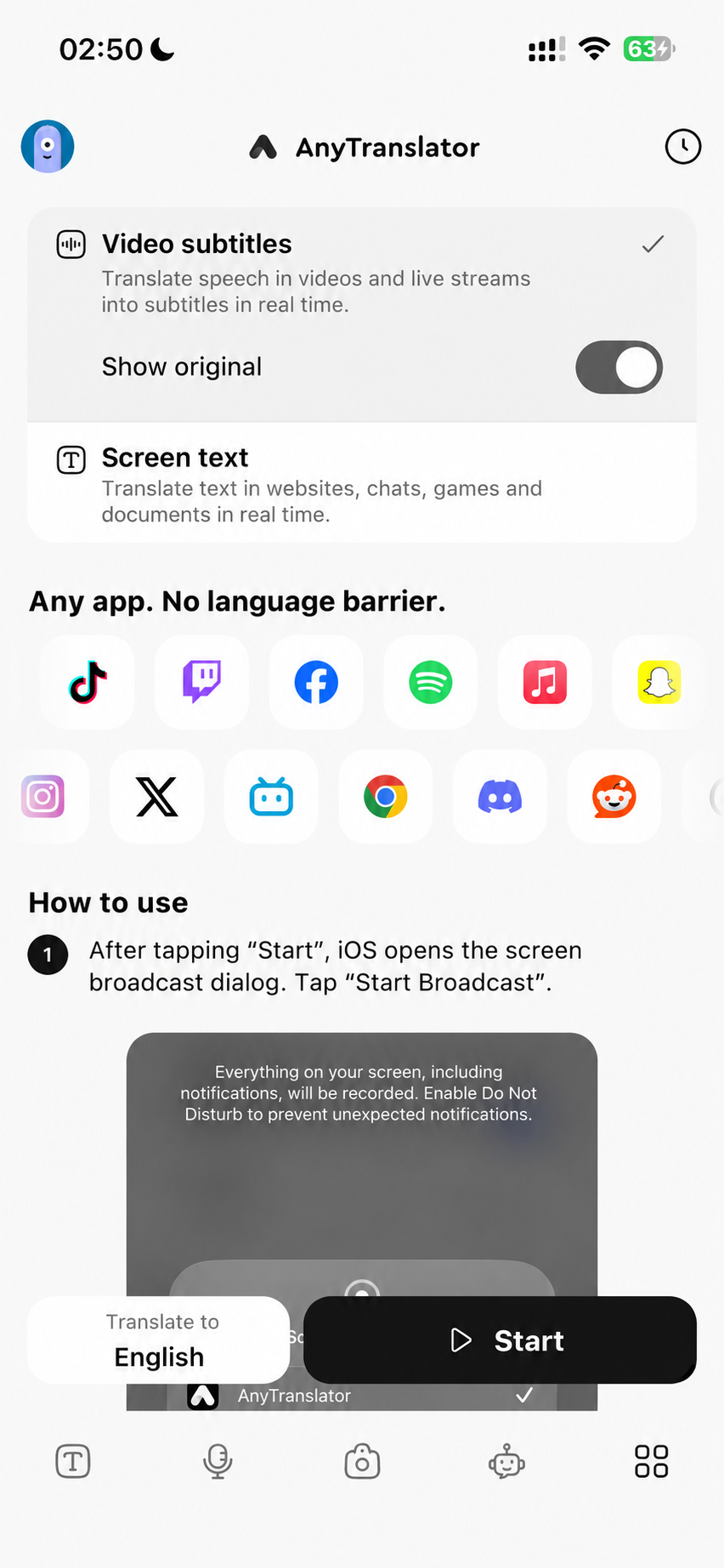
Translate audio playing in other Apps into subtitles, alongside the original. Follow videos, live streams or language lessons in a language you know, while the content keeps playing.
Read translations of visible text on websites, chats, games or documents in Picture in Picture. Move the window near a passage or scroll the original page to read the next part.
Compare translation with the original as you watch or read. Completed text pairs stay in history. Manually bring a phrase into the AI assistant to ask what it means or practise using it.
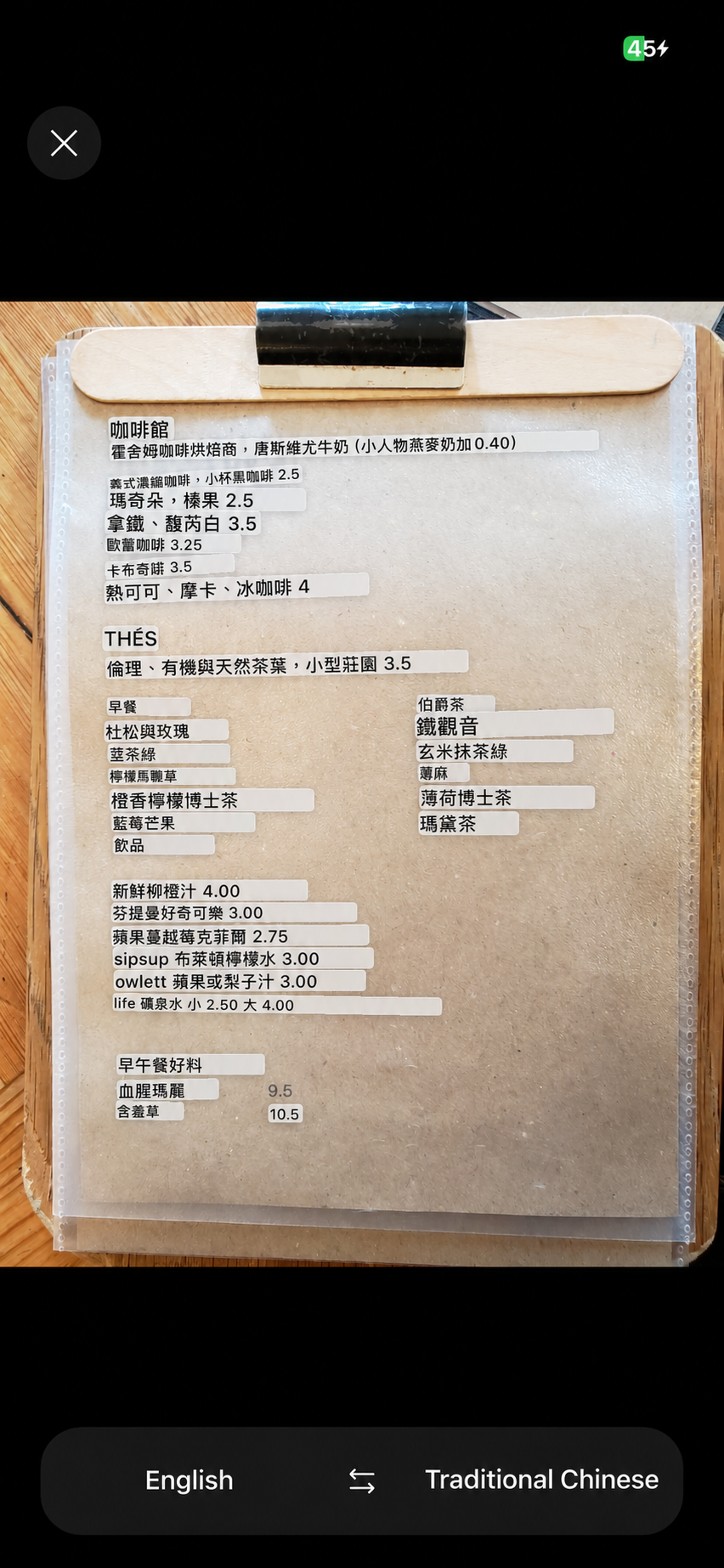
Signs, labels and notices—point your camera and see translations over the image.
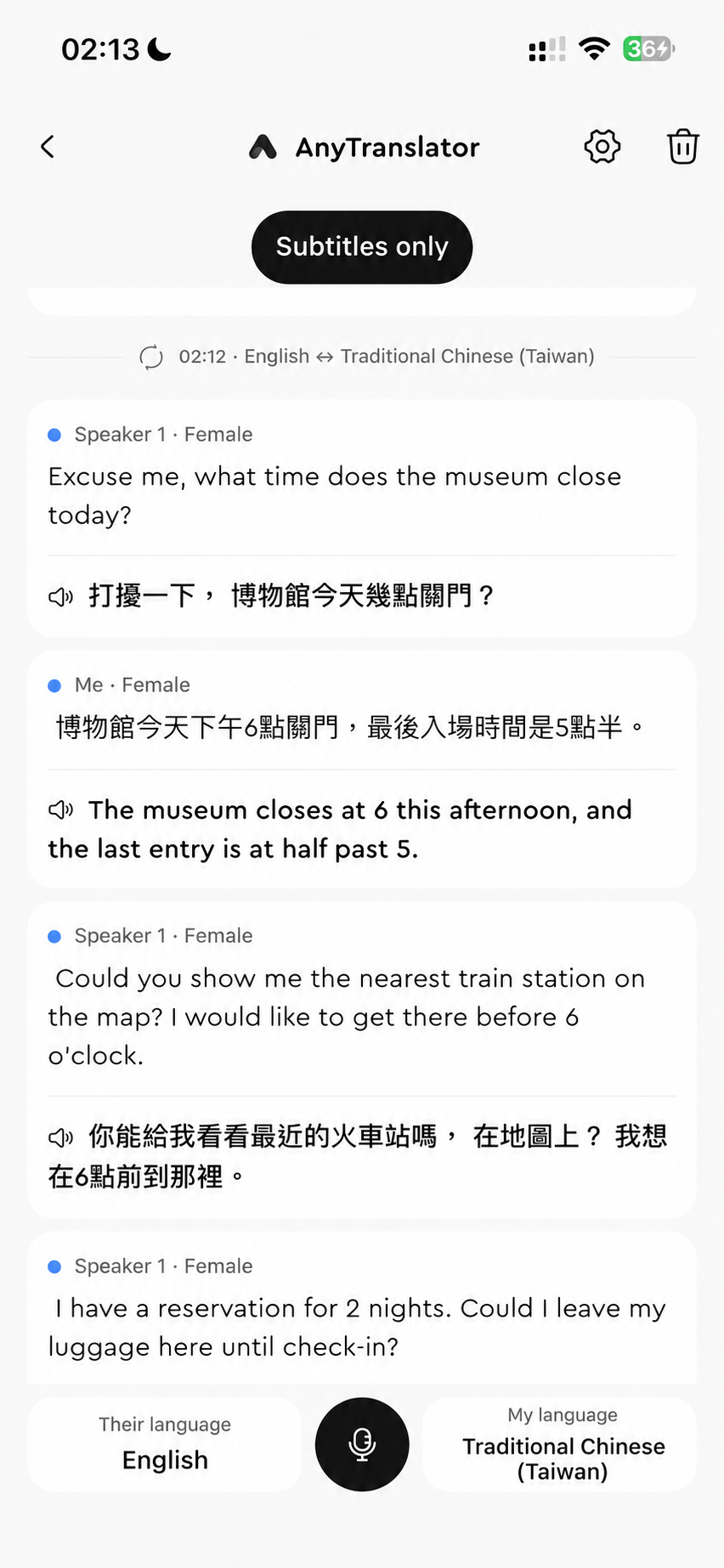
Bilingual subtitles follow the conversation while natural AI speech speaks for you. Four modes help both sides understand.
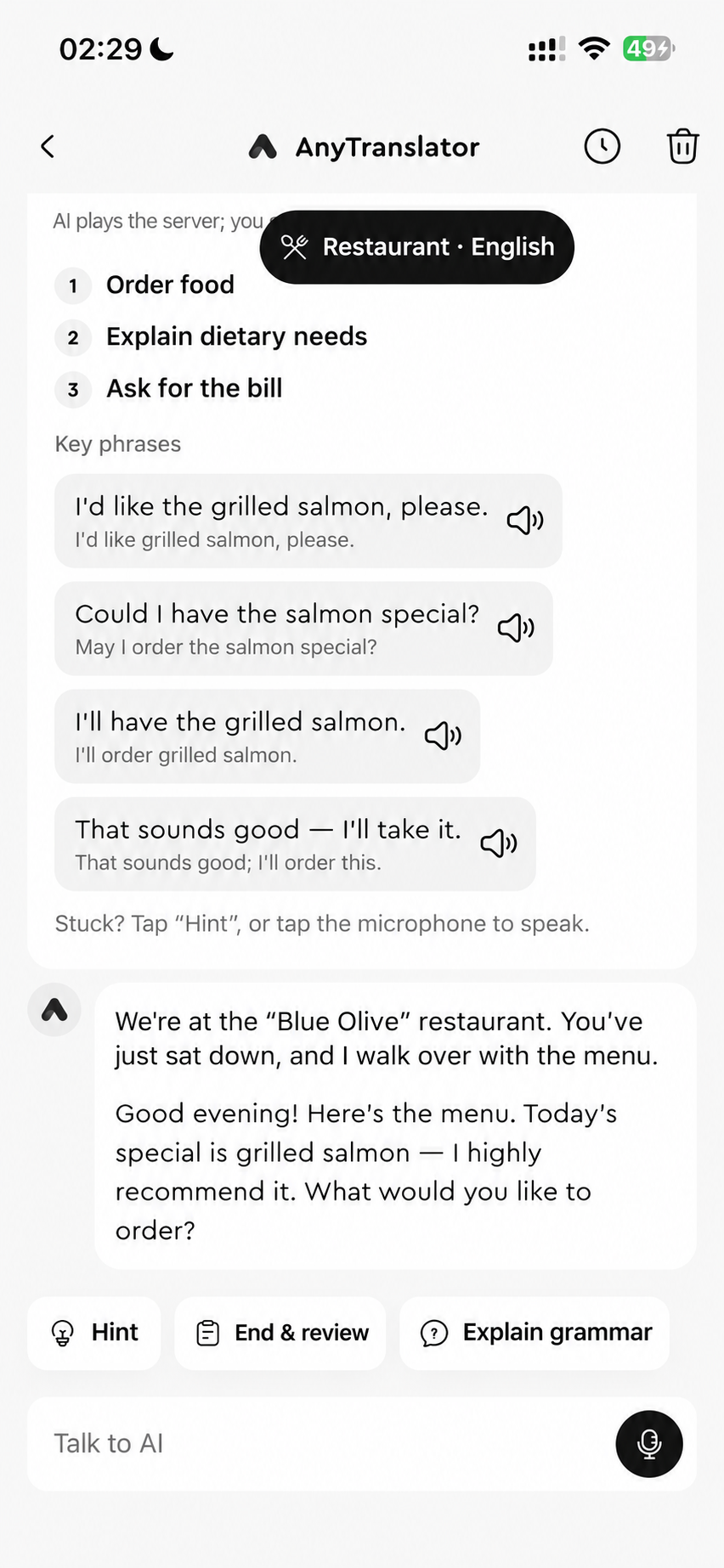
Understand photos, interpret conversations and practise with natural AI speech. A language coach for travel, work and everyday life, whenever you need one.

Free to download. Pro available in the app.