Table translation
Table translation: keep every number in its row and column.
Read timetables and price lists as tables. Scroll wide tables horizontally and check times, prices and units in context.
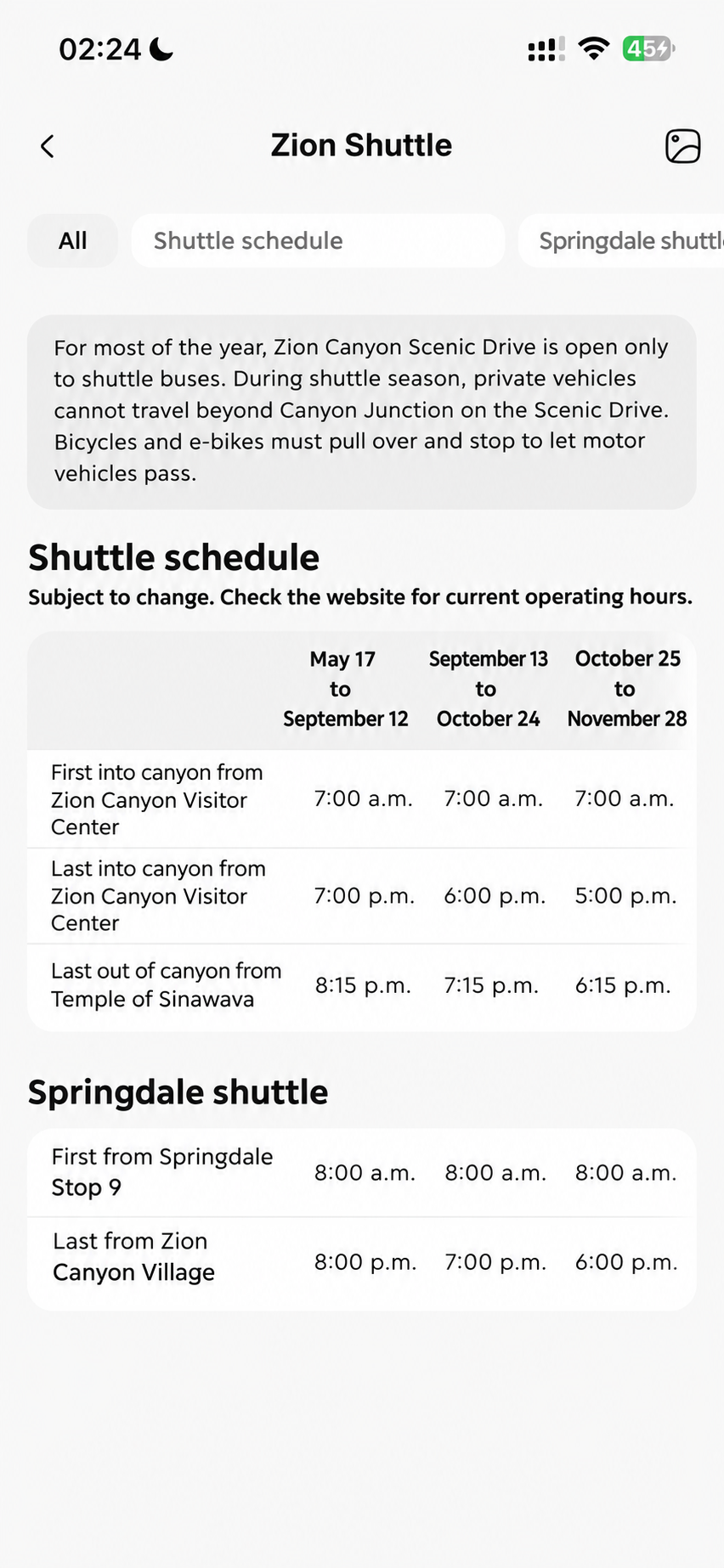
Table translation
Follow the rows. Keep the numbers clear.
Even dense tables stay readable. Organise timetables and price lists into rows and columns, scroll across wide tables, and tap to compare source text or images for times, amounts and units.
- 01Keep rows and columns together to compare times and prices.
- 02Scroll wide tables horizontally to read every field and unit.
- 03Tap for source text, compare the image and reopen scans from history.
Related features
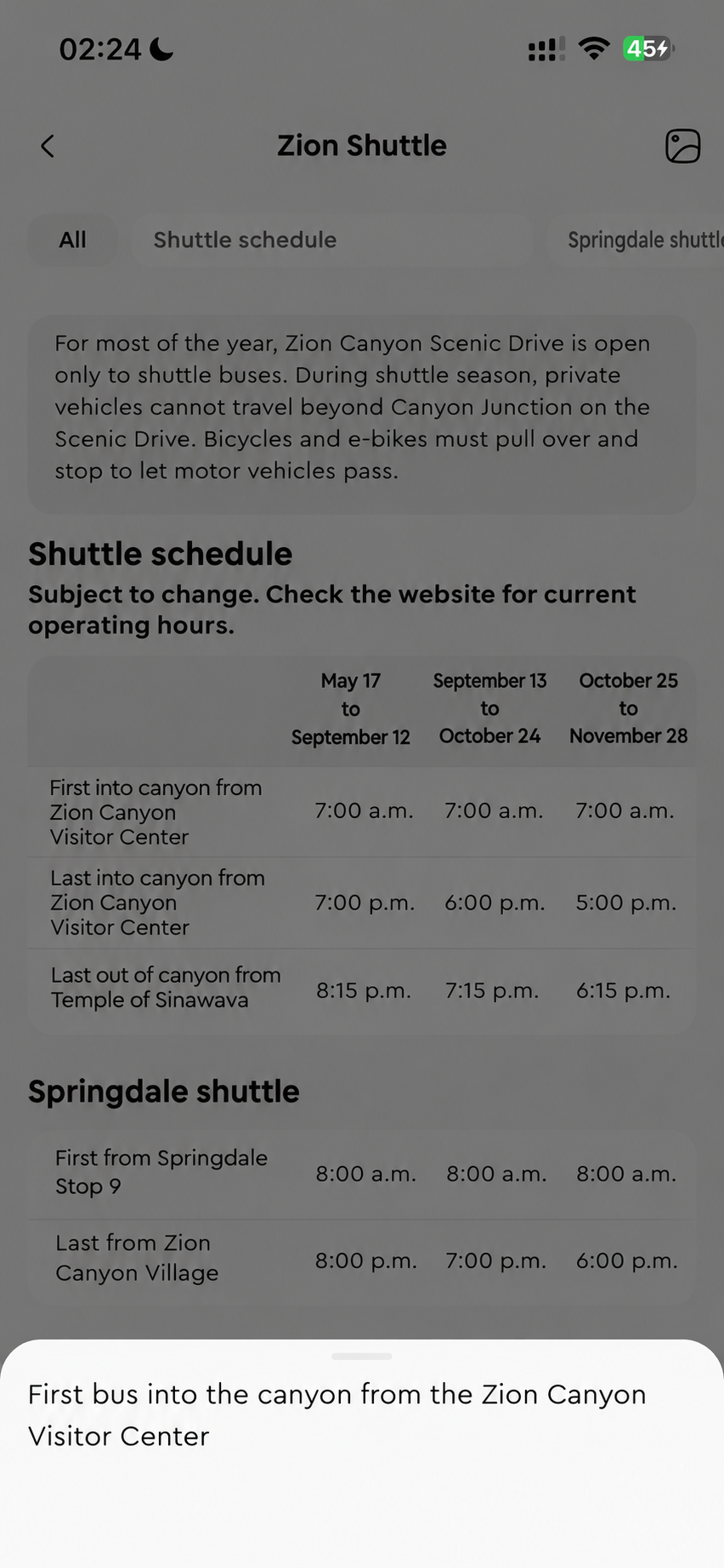
Document scanner
Photograph multiple pages and read paragraphs, lists and tables. Compare the original and reopen results from history.
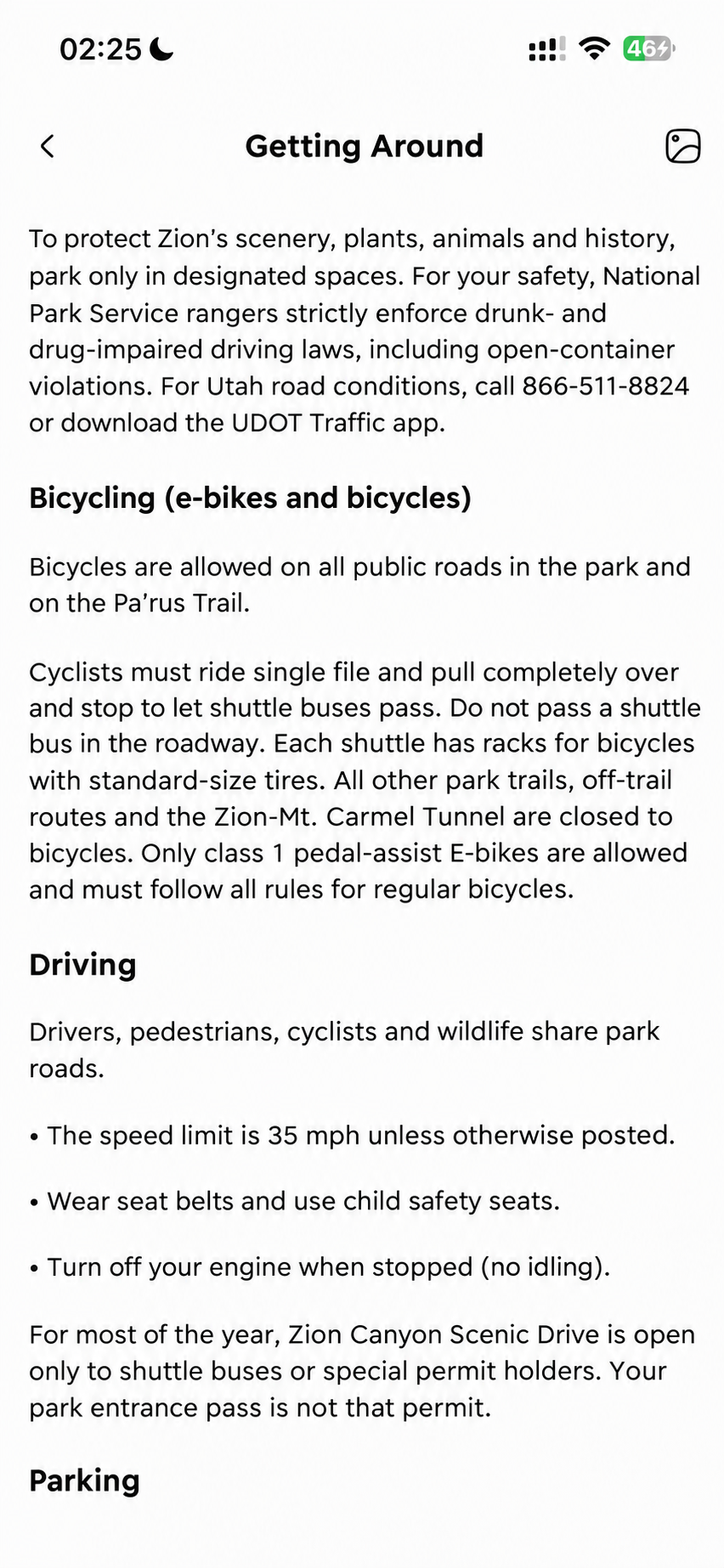
Photo translation
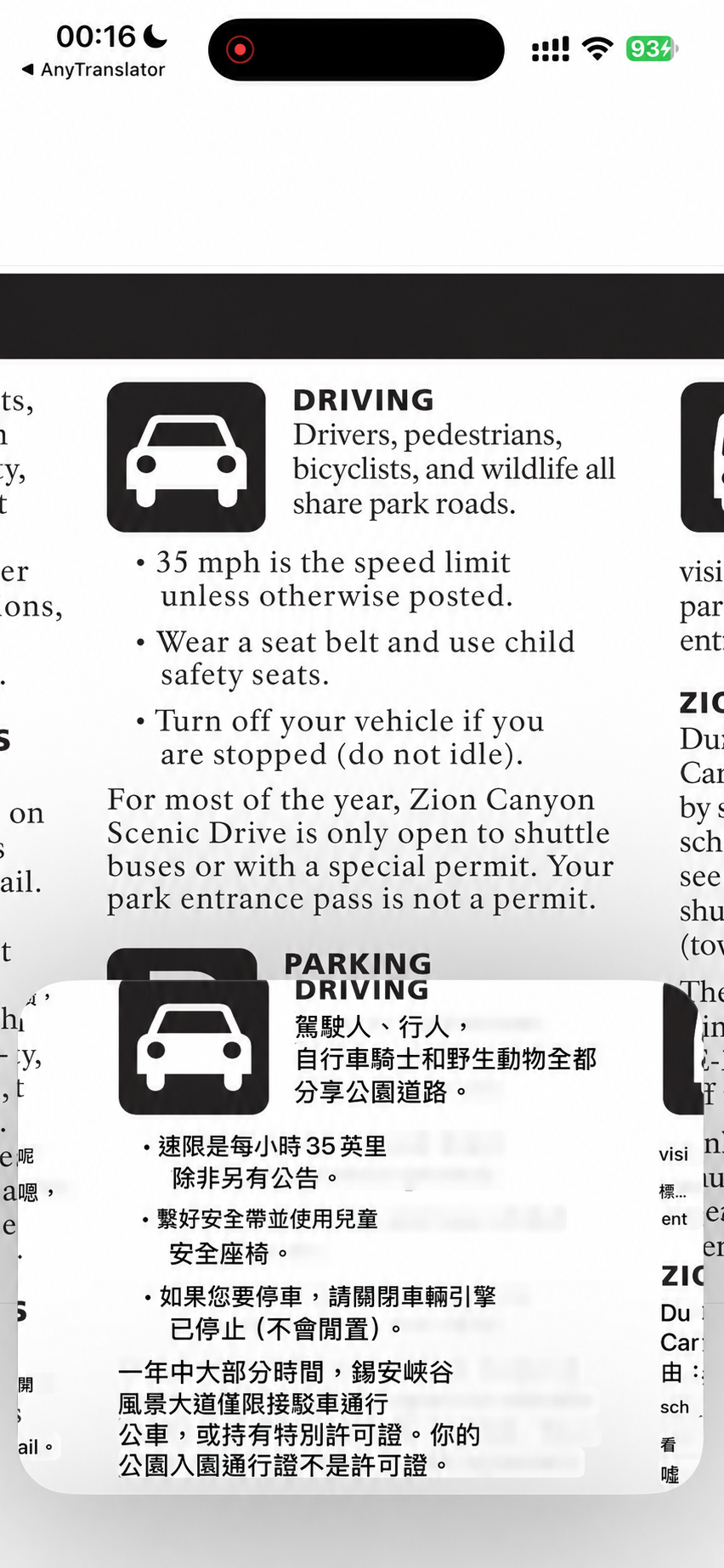
Signs, labels and notices—point your camera and see translations over the image.
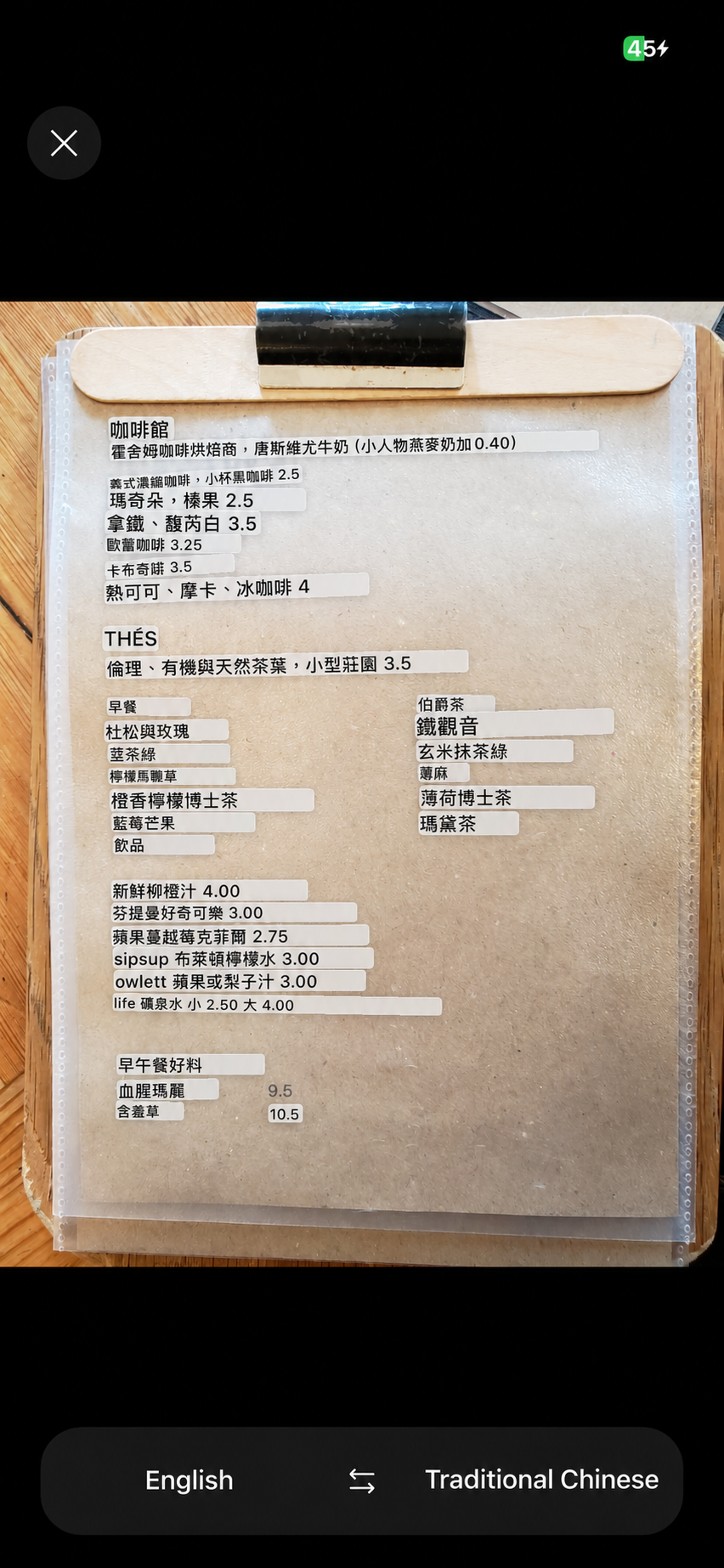
Cross-App translation
Stay with your video or webpage and read translations in Picture in Picture. Compare originals and translations, then revisit useful lines in history.

Your next conversation starts here.
Free to download. Pro available in the app.